KI-gestützter Bild-zu-Excel-Konverter: JPG & PNG zu bearbeitbaren Tabellen
Tabellenbilder (JPG, PNG, WEBP) mit semantischem Verständnis in bearbeitbares Excel umwandeln
Schluss mit manueller Dateneingabe aus Bildern! Unser KI-gestützter Konverter nutzt fortgeschrittenes semantisches Verständnis, um Screenshots, Fotos und gescannte Dokumente in voll bearbeitbare Tabellen zu verwandeln. Mehr als einfache OCR – wir verstehen Kontext, Beziehungen und Bedeutung in Ihren Daten.
What is KI-gestützter Bild-zu-Excel-Konverter: JPG & PNG zu bearbeitbaren Tabellen?
Schluss mit manueller Dateneingabe aus Bildern! Unser KI-gestützter Konverter nutzt fortgeschrittenes semantisches Verständnis, um Screenshots, Fotos und gescannte Dokumente in voll bearbeitbare Tabellen zu verwandeln. Mehr als einfache OCR – wir verstehen Kontext, Beziehungen und Bedeutung in Ihren Daten.
TabliSync: Ihre KI-gestützte Excel-Automatisierung
Eine intelligente Automatisierungsschicht für Tabellenkalkulationen – entwickelt für reale Workflows, Datenaufgaben und Teamzusammenarbeit.
Semantisches OCR-Verständnis
Unser Smart OCR liest nicht nur Text – er versteht Tabellenstruktur, Datenbeziehungen und Kontext. Verarbeitet komplexe Layouts, gedrehte Bilder und handgeschriebene Inhalte, die herkömmliche OCR-Tools verpassen.

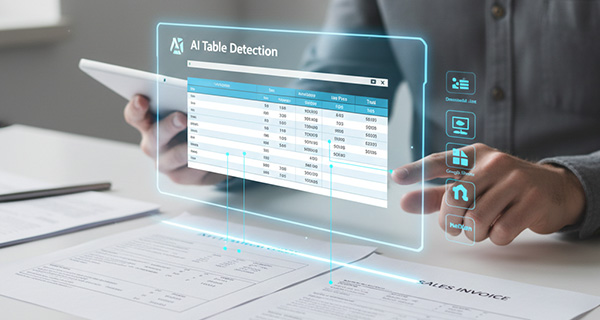
KI-Tabellenerkennung
Fortschrittliche KI erkennt automatisch Tabellenstrukturen, Zeilen, Spalten und Überschriften in komplexen Bildern und Dokumenten, auch bei teilweise sichtbaren oder verzerrten Tabellen.
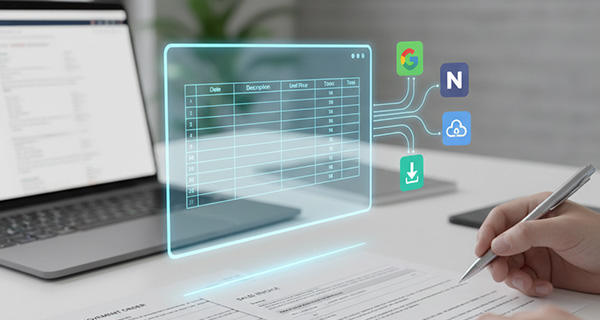
Plattformübergreifender Sync
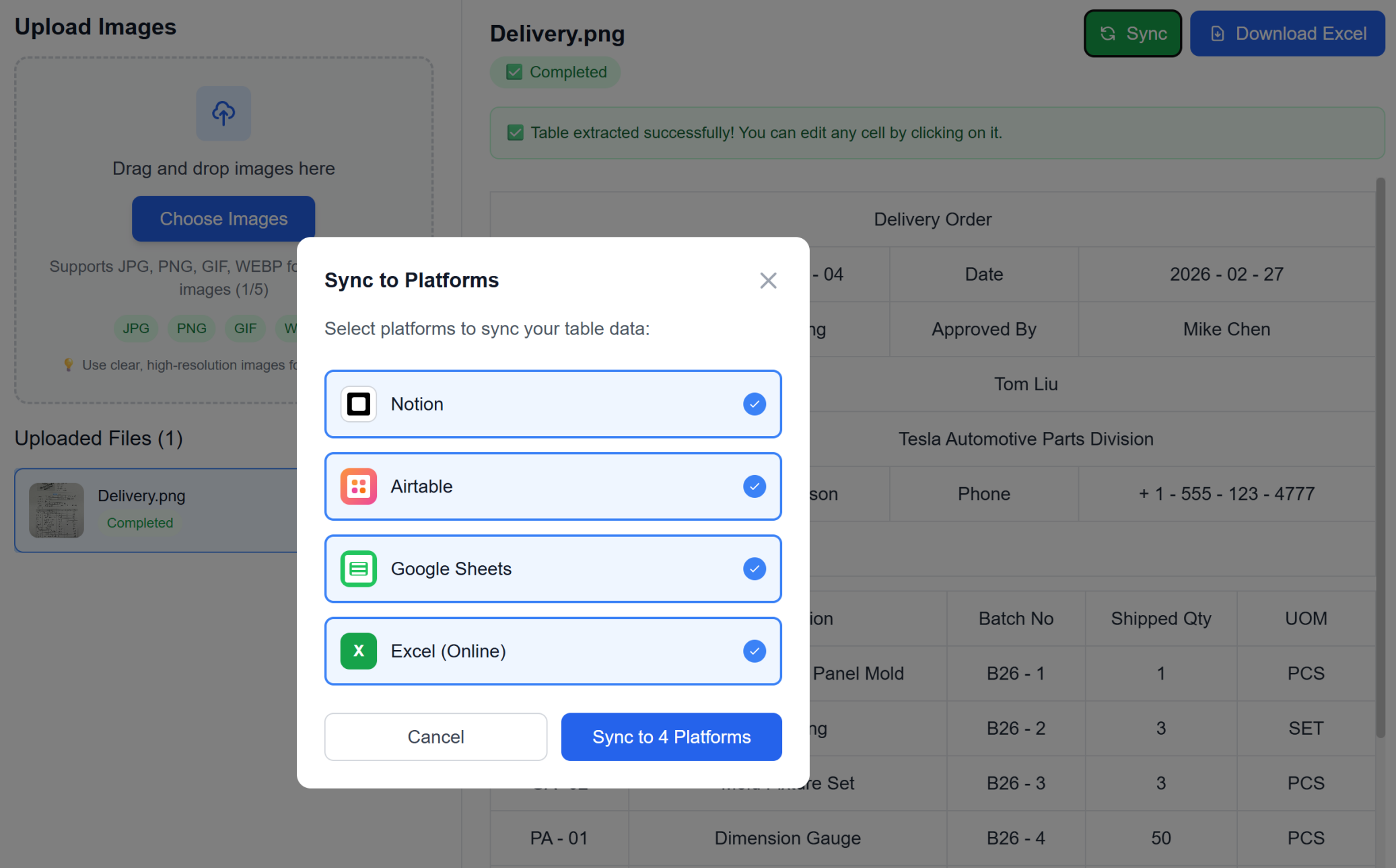
Mehr als Excel-Export – direkter Sync zu Google Sheets, Notion, Airtable und anderen Plattformen. Ihre Daten fließen nahtlos durch Ihren gesamten Workflow.
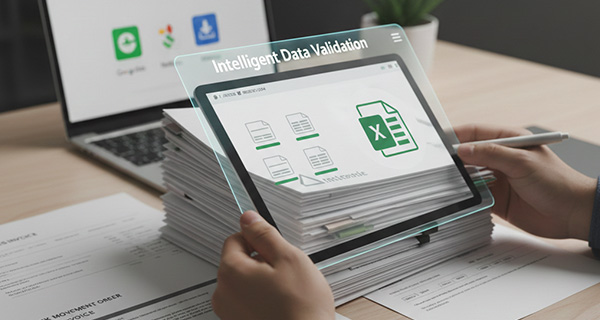
Intelligente Datenvalidierung
KI validiert extrahierte Daten, korrigiert gängige OCR-Fehler und gewährleistet Datenintegrität. Erkennt Zahlen, Datumsangaben, Währungen und erhält die Formatierung.
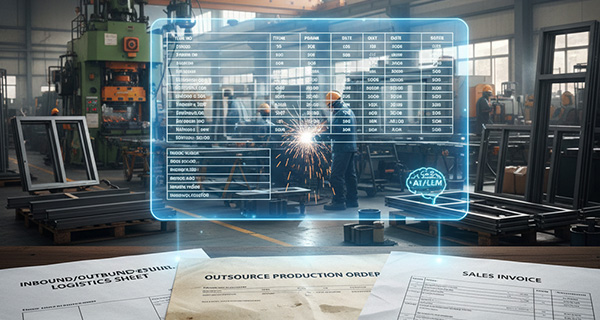
Stapelverarbeitung
Laden Sie mehrere Bilder auf einmal hoch und wandeln Sie sie in eine einzige Excel-Datei mit getrennten Blättern oder zusammengeführten Daten um. Ideal für große Dokumentenmengen.
Formatierungserhalt
Bewahrt ursprüngliche Formatierung, Zellenstil und Datentypen. Was Sie im Bild sehen, erhalten Sie in Ihrer Tabelle.
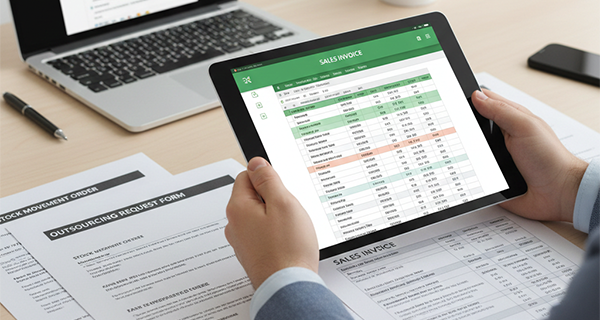
Semantisches OCR-Verständnis
Unser Smart OCR liest nicht nur Text – er versteht Tabellenstruktur, Datenbeziehungen und Kontext. Verarbeitet komplexe Layouts, gedrehte Bilder und handgeschriebene Inhalte, die herkömmliche OCR-Tools verpassen.
KI-Tabellenerkennung
Fortschrittliche KI erkennt automatisch Tabellenstrukturen, Zeilen, Spalten und Überschriften in komplexen Bildern und Dokumenten, auch bei teilweise sichtbaren oder verzerrten Tabellen.
Plattformübergreifender Sync
Mehr als Excel-Export – direkter Sync zu Google Sheets, Notion, Airtable und anderen Plattformen. Ihre Daten fließen nahtlos durch Ihren gesamten Workflow.
Intelligente Datenvalidierung
KI validiert extrahierte Daten, korrigiert gängige OCR-Fehler und gewährleistet Datenintegrität. Erkennt Zahlen, Datumsangaben, Währungen und erhält die Formatierung.
Stapelverarbeitung
Laden Sie mehrere Bilder auf einmal hoch und wandeln Sie sie in eine einzige Excel-Datei mit getrennten Blättern oder zusammengeführten Daten um. Ideal für große Dokumentenmengen.
Formatierungserhalt
Bewahrt ursprüngliche Formatierung, Zellenstil und Datentypen. Was Sie im Bild sehen, erhalten Sie in Ihrer Tabelle.
TabliSync in Aktion: Produktdemo
Sehen Sie, wie TabliSync komplexe Tabellenkalkulations-Workflows in Minuten in einfache, automatisierte Prozesse verwandelt.
Keine manuelle Eingabe mehr
Keine Zeit mehr mit manueller Dateneingabe aus Bildern verschwenden. Unsere KI extrahiert Tabellendaten automatisch mit über 99 % Genauigkeit und spart Stunden Arbeit.
Intelligente OCR-Technologie
Fortgeschrittenes semantisches Verständnis verarbeitet unscharfe Fotos, gescannte Dokumente, Screenshots und sogar handgeschriebene Tabellen. Unsere KI geht über einfache OCR hinaus und versteht Kontext und Bedeutung.
Sofortiger Sync & Download
Excel-Datei in Sekunden erhalten oder mit einem Klick direkt mit Google Sheets, Notion und anderen Plattformen synchronisieren. Kein manueller Import nötig.
So funktioniert es - Einfache Schritte für den Einstieg
Einfache Schritte zum Einstieg und zur Transformation Ihres Daten-Workflows
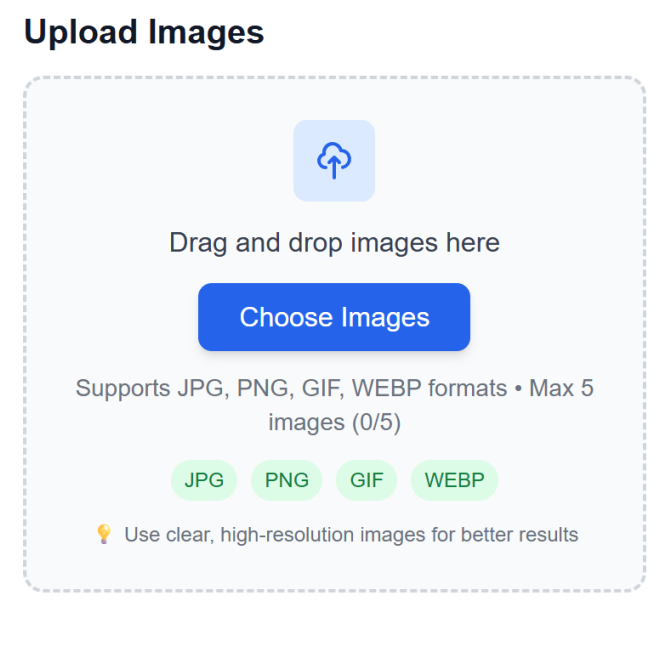
Bilddateien hochladen
Bilder mit Tabellen per Drag & Drop ablegen oder Dateien vom Gerät auswählen. Unterstützung für mehrere Formate und Stapel-Uploads.
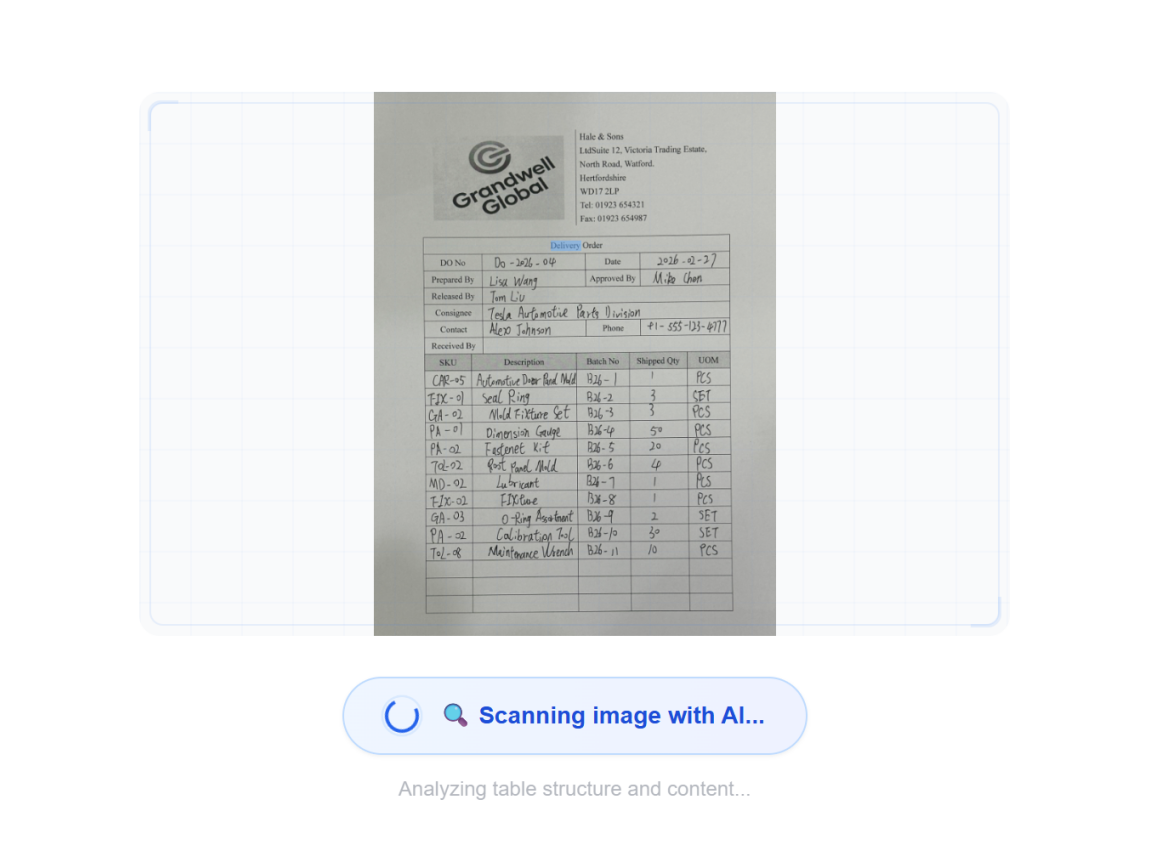
KI-Verarbeitung mit semantischem Verständnis
Fortschrittliche KI analysiert Bilder mit semantischem Verständnis, erkennt Tabellenstrukturen und extrahiert daten mit Kontextbewusstsein – nicht nur einfache OCR.
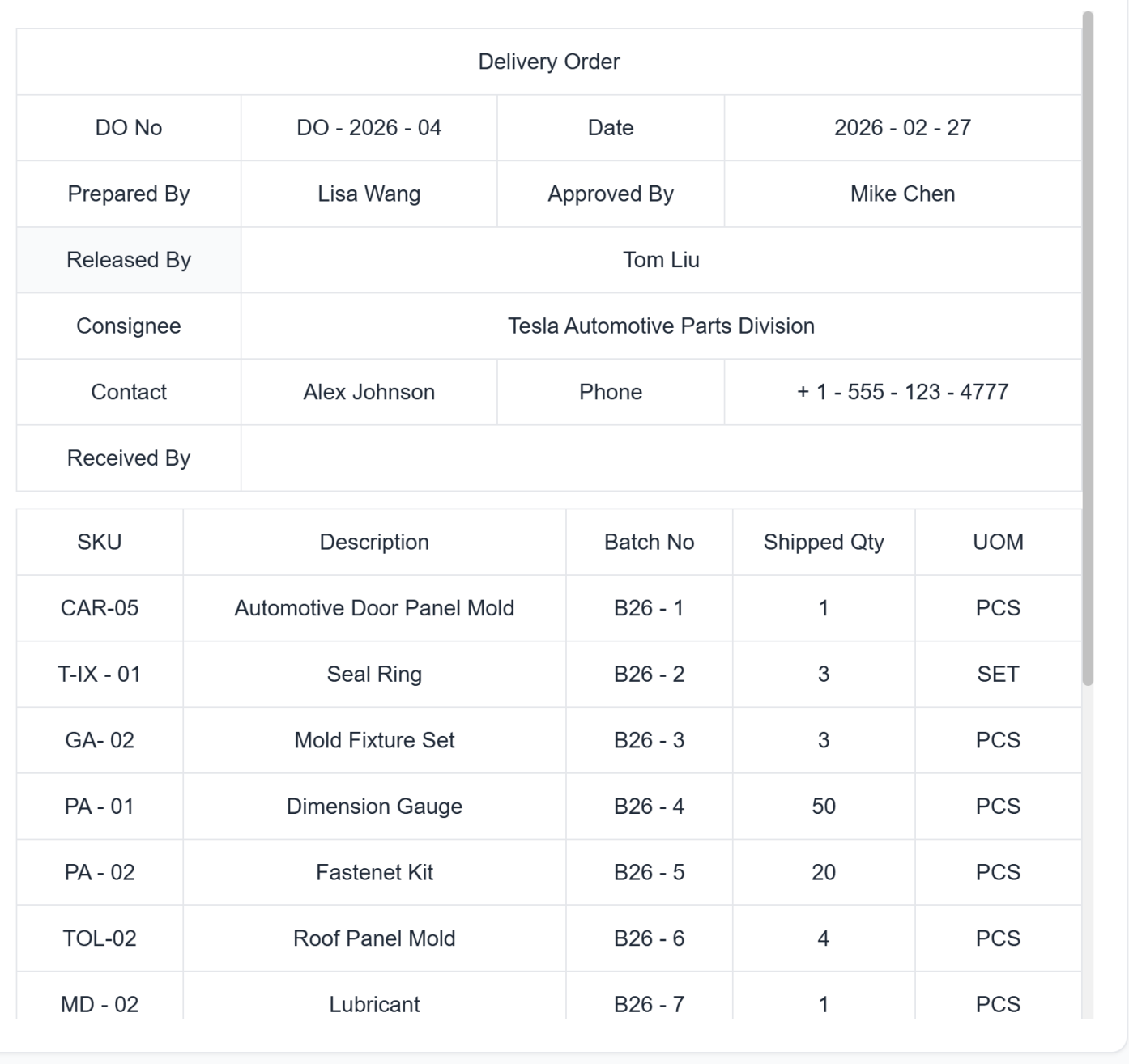
Extrahierte Daten prüfen
Extrahierte Daten in Tabellenform in der Vorschau ansehen. Bei Bedarf Korrekturen vor der endgültigen Konvertierung vornehmen.
Excel herunterladen oder direkt synchronisieren
Sofort als Excel herunterladen oder mit einem Klick direkt mit Ihrem bevorzugten Workspace (Google Sheets, Notion, Airtable) synchronisieren. Kein manueller Import nötig.
Bilddateien hochladen
Bilder mit Tabellen per Drag & Drop ablegen oder Dateien vom Gerät auswählen. Unterstützung für mehrere Formate und Stapel-Uploads.
KI-Verarbeitung mit semantischem Verständnis
Fortschrittliche KI analysiert Bilder mit semantischem Verständnis, erkennt Tabellenstrukturen und extrahiert daten mit Kontextbewusstsein – nicht nur einfache OCR.
Extrahierte Daten prüfen
Extrahierte Daten in Tabellenform in der Vorschau ansehen. Bei Bedarf Korrekturen vor der endgültigen Konvertierung vornehmen.
Excel herunterladen oder direkt synchronisieren
Sofort als Excel herunterladen oder mit einem Klick direkt mit Ihrem bevorzugten Workspace (Google Sheets, Notion, Airtable) synchronisieren. Kein manueller Import nötig.
Echte Ergebnisse: Erfahrungsberichte
Feedback von Teams und Profis, die mit TabliSync jede Woche Stunden sparen.
"Vorher habe ich fast eine Stunde gebraucht, um Vorlagen zu erstellen. Jetzt dauert es 2 Minuten."

Sarah Mitchell
HR-Managerin
"Unser Team hat endlich konsistente, professionelle Vorlagen für alles."

Michael Chen
Operations Director
"Ich kann komplexe Tracking-Tabellen erstellen, ohne Excel-Expertin zu sein."

Emily Rodriguez
Projektkoordinatorin
Anwendungsfälle für jede Branche
Sehen Sie, wie Fachleute aus verschiedenen Bereichen diese leistungsstarke Funktion nutzen
Geschäftsanwender
Konvertieren Sie Finanzberichte, Rechnungen und Geschäftsdokumente aus Bildern in bearbeitbare Tabellen mit erhaltener Formatierung.
Rechnungsdatenextraktion mit automatischer Kategorisierung
Finanzberichtskonvertierung mit Formelerhalt
Geschäftsdokument-Digitalisierung mit Datenvalidierung
Studierende & Forschende
Verwandeln Sie Forschungsdaten, Umfrageergebnisse und akademische Tabellen aus Papers mit intelligenter Datenerkennung in analysierbares Excel-Format.
Forschungsdaten-Extraktion mit statistischer Validierung
Umfrageergebnis-Digitalisierung mit Antwortkategorisierung
Akademische Tabellenkonvertierung mit Erhalt wissenschaftlicher Notation
Dateneingabe-Teams
Vermeiden Sie manuelle Dateneingabe durch direkte Konvertierung von gescannten Dokumenten und Bildern in Excel-Dateien mit über 99 % Genauigkeit.
Formulardaten-Extraktion mit Feldvalidierung
Legacy-Dokument-Digitalisierung mit Fehlerkorrektur
Massen-Dokumentenverarbeitung mit Qualitätssicherung
Buchhalter
Konvertieren Sie Belege, Kontoauszüge und Finanzdokumente aus Bildern in strukturierte Excel-Tabellen mit automatischer Datenkategorisierung.
Belegdatenextraktion mit Ausgabenkategorisierung
Kontoauszug-Konvertierung mit Transaktionsanalyse
Steuerdokumenten-Verarbeitung mit Compliance-Validierung
Häufig gestellte Fragen
Antworten auf häufige Fragen zu dieser Funktion, zur Nutzung und zu den Ergebnissen.
Wie schützt TabliSync sensible Daten bei der Bild-zu-Excel-Konvertierung?
Hochgeladene Dateien werden während der Übertragung verschlüsselt und mit kontrolliertem Zugriff verarbeitet. Nur autorisierte Nutzer in Ihrem Workspace können auf Ergebnisse zugreifen, und Sie können Dateien gemäß Ihrer Aufbewahrungsrichtlinie entfernen.
Was ist der beste Weg, gescannte Tabellen ohne manuelle Neuerfassung in bearbeitbares Excel zu konvertieren?
Laden Sie ein JPG- oder PNG-Bild der Tabelle hoch, lassen Sie die KI die Tabellenstruktur automatisch erkennen und prüfen Sie die extrahierten Felder vor dem Export. Dieser Ablauf reduziert manuelle Dateneingabe und beschleunigt die Verarbeitung.
Kann KI zusammengeführte Zellen und komplexe Tabellenlayouts aus Screenshots extrahieren?
Ja. Die Extraktion ist für zusammengeführte Zellen, mehrspaltige Kopfzeilen und unregelmäßige Layouts ausgelegt. Sie können die Ausgabequalität schnell validieren, bevor Sie sie in Berichten verwenden.
Wie genau ist die OCR bei Bild-zu-Excel für Fotos geringer Qualität und Belege?
Die Genauigkeit hängt von Bildqualität, Tabellenkontrast und Layoutkomplexität ab. Für beste Ergebnisse verwenden Sie klare Aufnahmen und führen nach Abschluss eine schnelle Prüfung von Summen und Schlüsselfeldern durch.
Kann ich mehrere Tabellenbilder stapelweise in eine strukturierte Arbeitsmappe konvertieren?
Ja. Sie können mehrere Bilder im gleichen Workflow verarbeiten und die Ausgabe in strukturierten Arbeitsblättern organisieren. Das ist besonders nützlich für wiederkehrende Aufgaben und Monatsend-Dokumentenverarbeitung.
Können konvertierte Excel-Daten mit Google Sheets, Airtable oder Notion synchronisiert werden?
Ja. Nach der Extraktion können Sie Ergebnisse gemäß Workspace-Einstellungen als Excel/CSV exportieren und mit verbundenen Tools synchronisieren. So bleibt die Konsistenz zwischen Systemen erhalten.
Warum TabliSync mehr ist als nur ein Konverter
Transformieren Sie Ihren Daten-Workflow mit unserem KI-gestützten Ökosystem für plattformübergreifendes Datenmanagement, Zusammenarbeit und Automatisierung.
Plattformübergreifender Sync
Ihre konvertierten Daten werden automatisch mit Google Sheets, Notion, Airtable und anderen Plattformen synchronisiert. Kein manuelles Importieren oder Exportieren nötig.
Echtzeit-Zusammenarbeit
Teilen und bearbeiten Sie Ihre extrahierten Daten sofort. Teammitglieder können plattformübergreifend gleichzeitig auf Daten zugreifen, sie bearbeiten und analysieren.
Automatisierte Aktualisierungen
Richten Sie automatische Datenaktualisierungen ein. Ihre Tabellen bleiben ohne manuellen Eingriff aktuell und sparen Stunden wiederholter Arbeit.
Dem vollständigen Daten-Ökosystem beitreten
Erschließen Sie das volle Potenzial Ihrer Daten mit unserer integrierten KI-Tool-Suite
Bereit, Ihren Daten-Workflow zu transformieren?
Schließen Sie sich Tausenden Fachleuten an, die TabliSync für ihre Daten vertrauen
Keine Kreditkarte nötig • Über 10.000 Nutzer synchronisieren täglich Daten