Article Summary
Learn how to eliminate PDF conversion errors using TabliSync's online editor. This guide shows factory managers how to verify and correct OCR results in real-time, ensuring 100% data accuracy for industrial records.
No content available for this article.
FAQ: 100% Accuracy: Edit PDF Data Online Before Export
Quick answers about this topic and how TabliSync fits into your Excel workflow.
What is this guide about?
This article explains 100% Accuracy: Edit PDF Data Online Before Export with practical steps, examples, and Excel automation tips you can apply with TabliSync.
How can TabliSync help with this workflow?
TabliSync can extract tables from screenshots or PDFs, clean spreadsheet data, and automate repetitive Excel tasks so you spend less time on manual copy-paste.
Who should read this article?
Finance, operations, and business teams who work with Excel daily and want faster, more accurate spreadsheet workflows.
Stop Manual Data Entry – Extract Tables in Seconds
Convert any image or PDF table to Excel instantly with 99.9% accuracy. TabliSync's AI-powered OCR handles handwritten forms, receipts, and complex tables – then syncs directly to Google Sheets, Notion, or Airtable
Try TabliSync Free NowRecommended Posts
How to copy a table from a PDF to Excel: Native Options and AI OCR Workflow
In today's fast-paced business environment, efficiently transferring data from PDFs to Excel is crucial for productivity. Many users face challenges when attempting to copy tables from PDFs due to the cumbersome nature of manual data entry and the limitations of basic OCR tools. This article provides a comprehensive guide on how to effectively copy tables from PDFs into Excel. It covers both native options for those who prefer manual methods, as well as innovative AI OCR solutions like TabliSync that can significantly enhance the efficiency of this process. By following the step-by-step instructions, users will learn how to easily extract data from various types of PDF documents, ensuring a seamless transition to structured Excel formats. Whether you're an accountant, a data entry professional, or someone who frequently deals with financial documents, this guide will equip you with the knowledge to streamline your data extraction tasks.
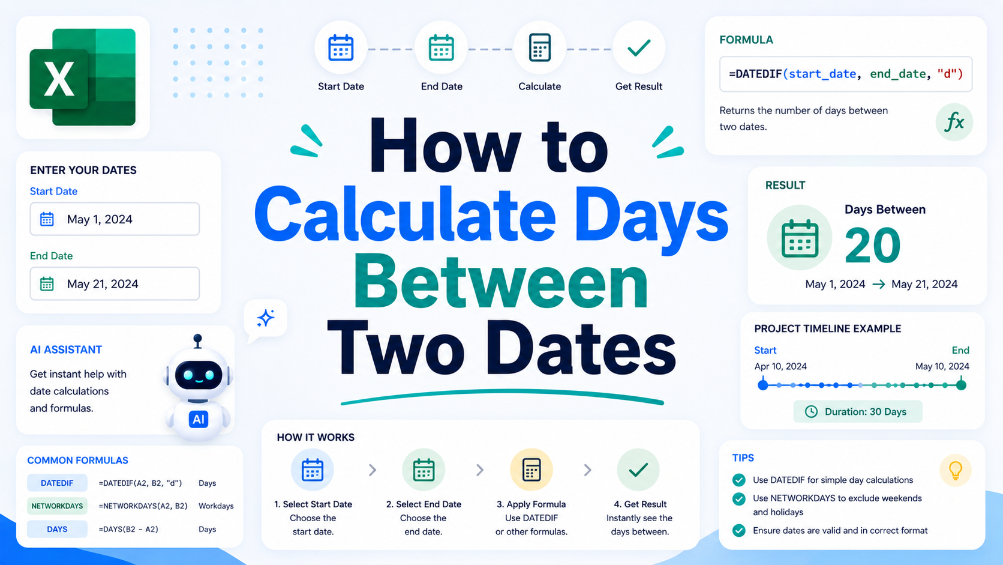
How to Calculate Days Between Two Dates
In this guide, we will walk you through the process of calculating the number of days between two dates using spreadsheet software. This crucial skill can help in various business scenarios, such as project management and financial reporting. We'll provide you with a clear, step-by-step approach to set up your spreadsheet for date calculations, along with practical examples that illustrate common situations where understanding date differences is essential. Additionally, we will share tips to ensure accuracy, like how to handle leap years and formatting issues. By the end of this article, you will have the confidence to perform date calculations effectively and explore how TabliSync can assist in organizing your data for even greater efficiency.
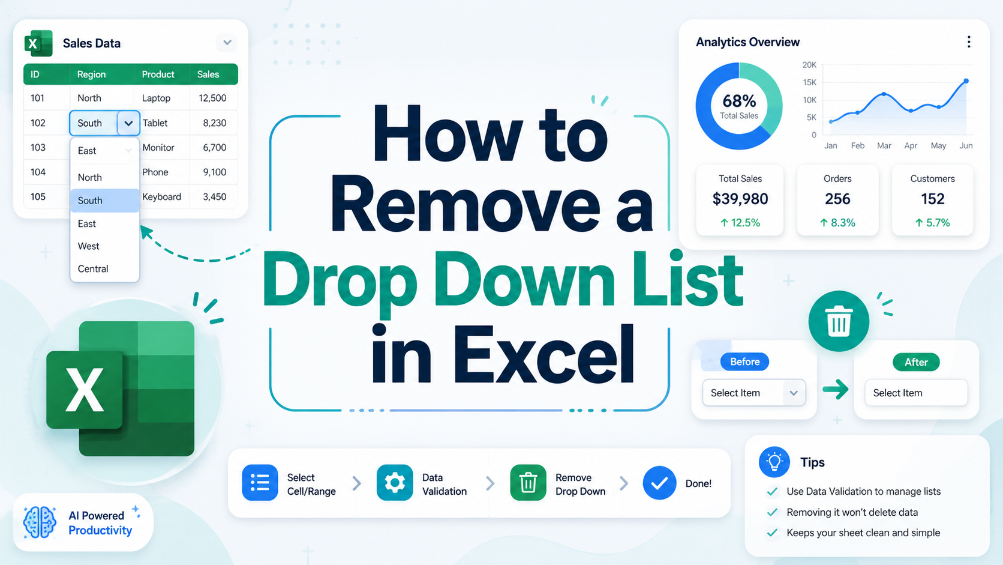
How to Remove a Drop Down List in Excel
In this guide, we provide clear and actionable steps to help you remove unwanted drop-down lists from your Excel spreadsheets. Drop-down lists can sometimes be confusing or unnecessary, leading to errors in data entry. Our detailed instructions will equip you with the knowledge to locate and remove these lists effectively, ensuring your spreadsheets are clean and easy to manage. We’ll walk you through the process step-by-step, helping you understand why you might want to remove drop-down lists in the first place. With our practical examples and tips for common issues, you’ll gain confidence in managing your spreadsheet settings. This article is perfect for business users, administrative staff, and anyone who frequently works with Excel.
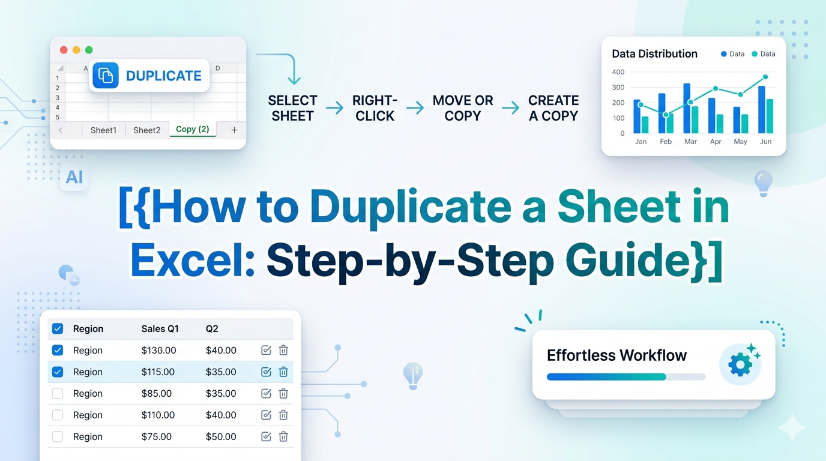
How to Duplicate a Sheet in Excel: Step-by-Step Guide
This guide provides step-by-step instructions on how to duplicate a sheet in Excel, helping users manage their spreadsheets efficiently and accurately. Whether you're working with financial reports, inventory sheets, or any other data, duplicating sheets can save time and ensure consistency. Follow our clear instructions to master this essential Excel skill. By the end of this guide, you'll be able to duplicate sheets with confidence and keep your work organized. Don't forget to explore how TabliSync can further enhance your spreadsheet management tasks after you’ve learned this skill!
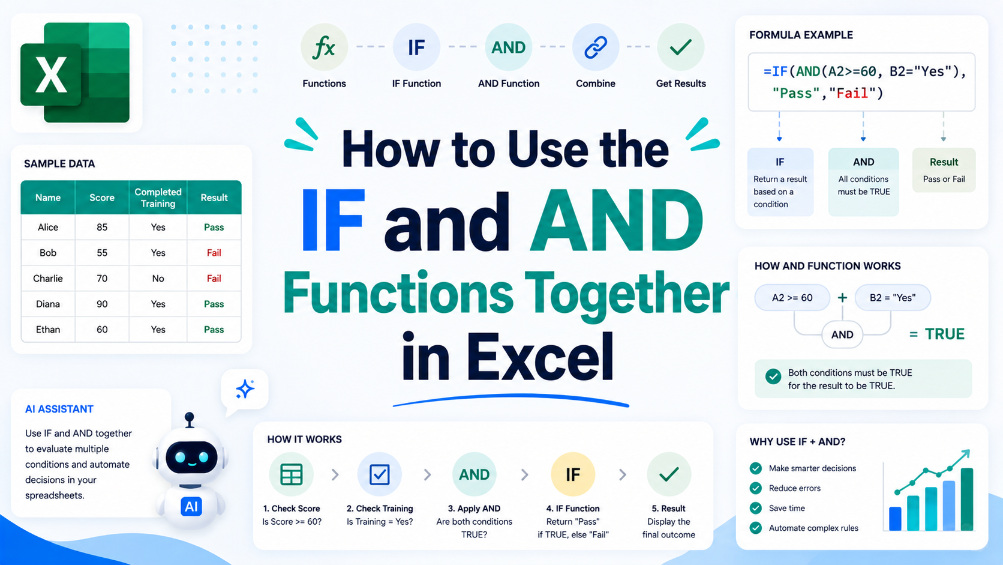
How to Use the IF and AND Functions Together in Excel
This article guides users through the process of combining IF and AND functions in Excel, helping them improve their data analysis and reporting. With step-by-step instructions and practical examples, readers will enhance their spreadsheet skills. By understanding how to effectively use these functions together, users can create more complex logical tests that are essential for accurate reporting and business decision-making. Common use cases are explored, along with tips for avoiding common errors. Whether you're an accountant, finance team member, or data analyst, this guide will provide the necessary tools to boost your Excel proficiency and streamline your workflow.
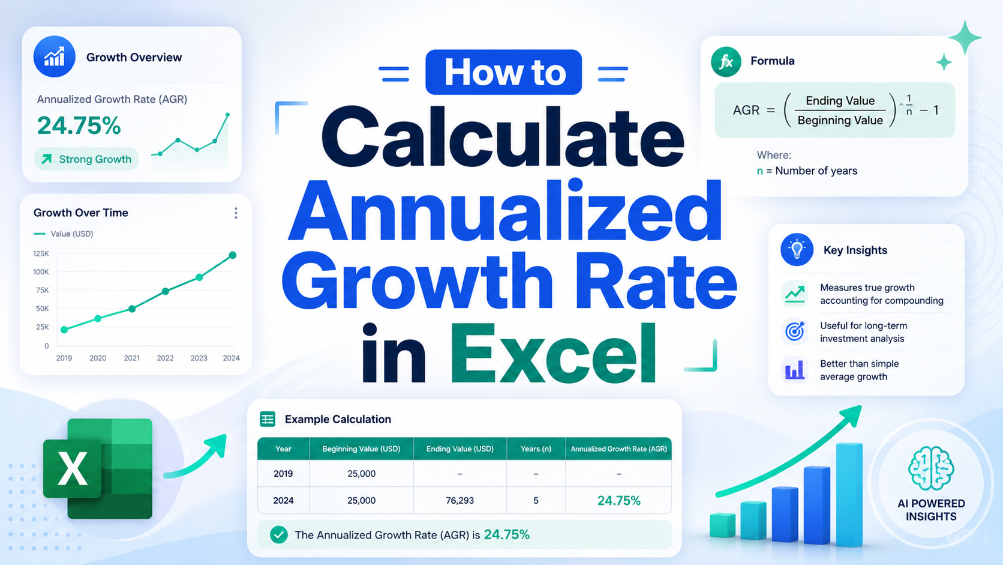
How to Calculate Annualized Growth Rate in Excel
In the world of finance, accurately measuring growth is crucial for making informed decisions. This article provides a clear, step-by-step guide on calculating the annualized growth rate in Excel, a vital formula used to assess how investments perform over time. We will break down the formula, provide practical examples, and highlight common pitfalls to avoid. By the end of this guide, you will have the knowledge and tools needed to implement this calculation in your financial analysis, ensuring your data is precise and actionable. Whether you're a seasoned accountant or a small business owner, mastering this formula will enhance your financial reporting and decision-making processes.