All Batch Ocr Articles

15 articles

How to Duplicate a Sheet in Excel: Step-by-Step Guide

How to Duplicate a Sheet in Excel: Step-by-Step Guide

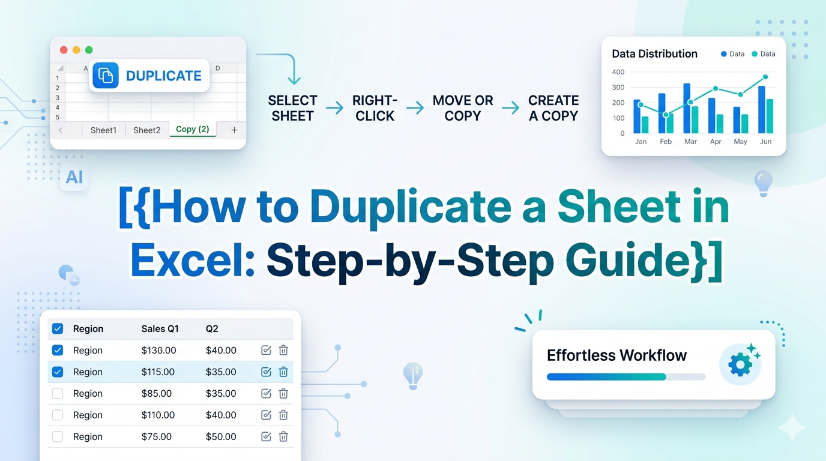
This guide provides step-by-step instructions on how to duplicate a sheet in Excel, helping users manage their spreadsheets efficiently and accurately. Whether you're working with financial reports, inventory sheets, or any other data, duplicating sheets can save time and ensure consistency. Follow our clear instructions to master this essential Excel skill. By the end of this guide, you'll be able to duplicate sheets with confidence and keep your work organized. Don't forget to explore how TabliSync can further enhance your spreadsheet management tasks after you’ve learned this skill!

TabliSync
Troubleshooting Locked Formulas in Excel

Troubleshooting Locked Formulas in Excel

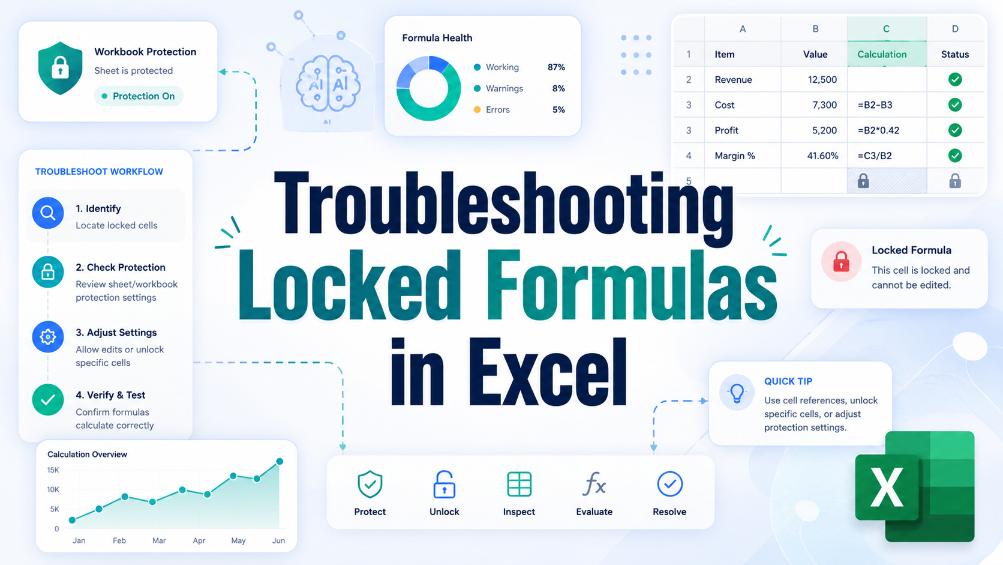
This troubleshooting guide provides users with practical solutions for unlocking formulas in Excel, addressing common issues and offering tips for preventing future problems. Locked formulas can be a significant hurdle for business users, particularly those in finance and administration who rely on accurate data manipulation. Through a step-by-step approach, this article helps readers understand the causes of locked formulas and offers effective strategies to resolve these issues. By implementing the solutions outlined here, users can regain control over their spreadsheets, ensuring they can effectively edit and manage their data without unnecessary frustration. The article also emphasizes best practices to prevent such issues in the future, contributing to smoother, more efficient spreadsheet workflows and allowing users to focus entirely on accurate data handling.

TabliSync
How to Add a Drop Down Menu to Excel

How to Add a Drop Down Menu to Excel

Repetitive manual data entry often causes inconsistent data and low work efficiency for business staff using Excel. This article explains difficulties in creating Excel drop-down menus, and introduces two solutions including manual setup and automated data extraction methods. It also covers detailed operation steps, key pre-export checks, common setup errors and FAQs. Building standardized drop-down menus effectively unifies data entry standards, cuts manual errors and optimizes daily office data processing and financial reporting workflows.

TabliSync
imagePrompt: A close-up of a laptop keyboard with hands pressing Ctrl+Alt+V (Paste Special) on a spreadsheet with messy data and a clean result side by side, professional office lighting, realistic style., altText: Keyboard shortcut paste values on Excel spreadsheet cleaning complex data

How to Use Keyboard Shortcuts Paste Values to Clean Complex Spreadsheet Data

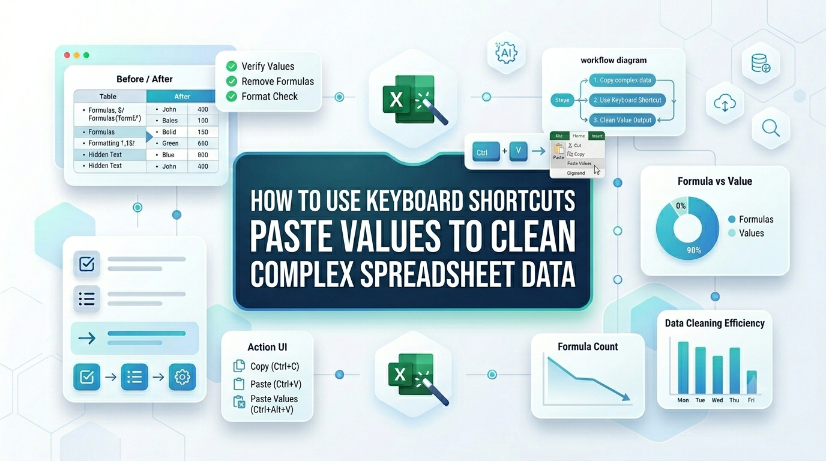
Reduce data cleaning time by up to 80% using direct keyboard shortcuts paste values instead of manual formatting removal. Eliminate hidden formatting errors, broken formulas, and inconsistent data types from imported or legacy datasets. Maintain a clean, reproducible data pipeline without macros or VBA — just native Excel keystrokes. Bridge structured and unstructured data workflows by combining paste values with extraction tools like TabliSync.

TabliSync
How to Add Bullet Points in Excel Without Breaking Your Data

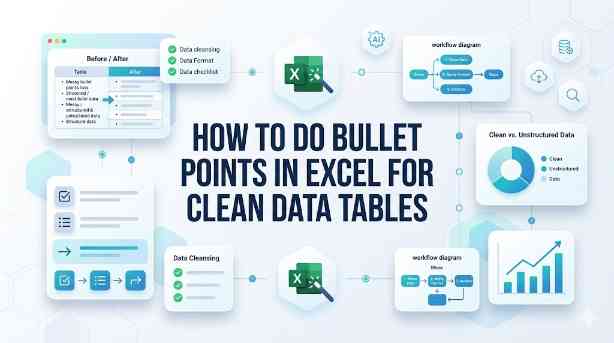
How to Do Bullet Points in Excel for Clean Data Tables

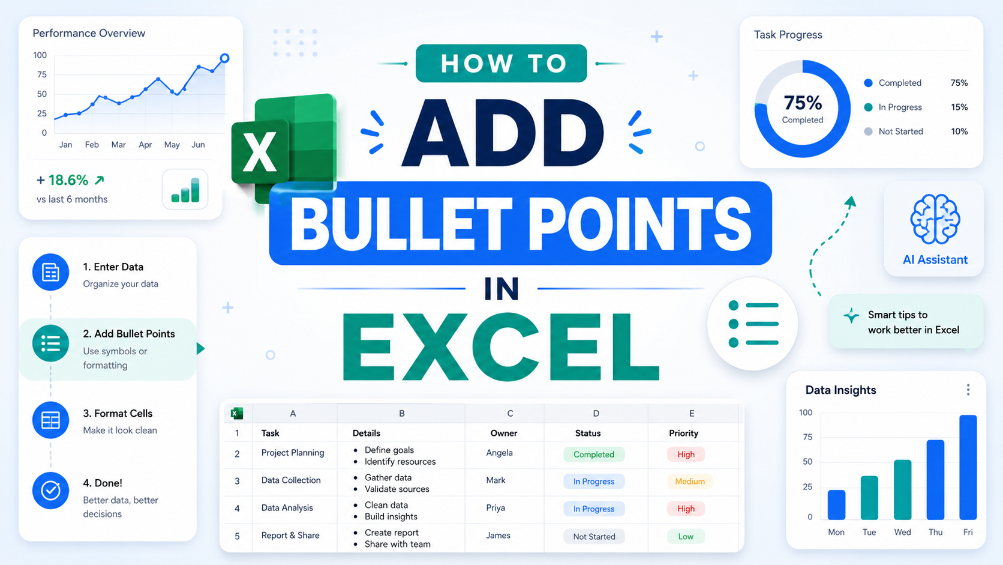
This guide covers two efficient methods to add and clean bullet points in Excel for structured, analyzable data tables. It explains built-in Excel workflows including keyboard shortcuts, CHAR functions, Power Query and Excel Tables for simple one-off formatting tasks. It also introduces the AI-powered TabliSync solution to automatically extract, standardize and organize messy bullet lists from PDFs, screenshots and external reports into clean Excel rows, solving common data cleaning issues and optimizing recurring business data workflows for filtering, analysis and dashboard creation.

TabliSync
How to Delete Duplicates and Originals in Excel: A Step-by-Step Guide

How to Delete Duplicates and Originals in Excel: A Step-by-Step Guide

Eliminate 100% of Noise: Master the technique to remove not just duplicates, but also the original entries, leaving only truly unique data. Time Saved by 90%: Transition from manual row-by-row auditing to automated data cleaning automation workflows. 0% Manual Entry Error: Leverage AI OCR to parse unstructured data into clean schemas without human intervention. Scalable Data Hygiene: Implement high-level Excel unique values strategies that handle datasets exceeding 100k+ rows effortlessly.

TabliSync
BOM Image to Excel: Windows & Doors
Recommended

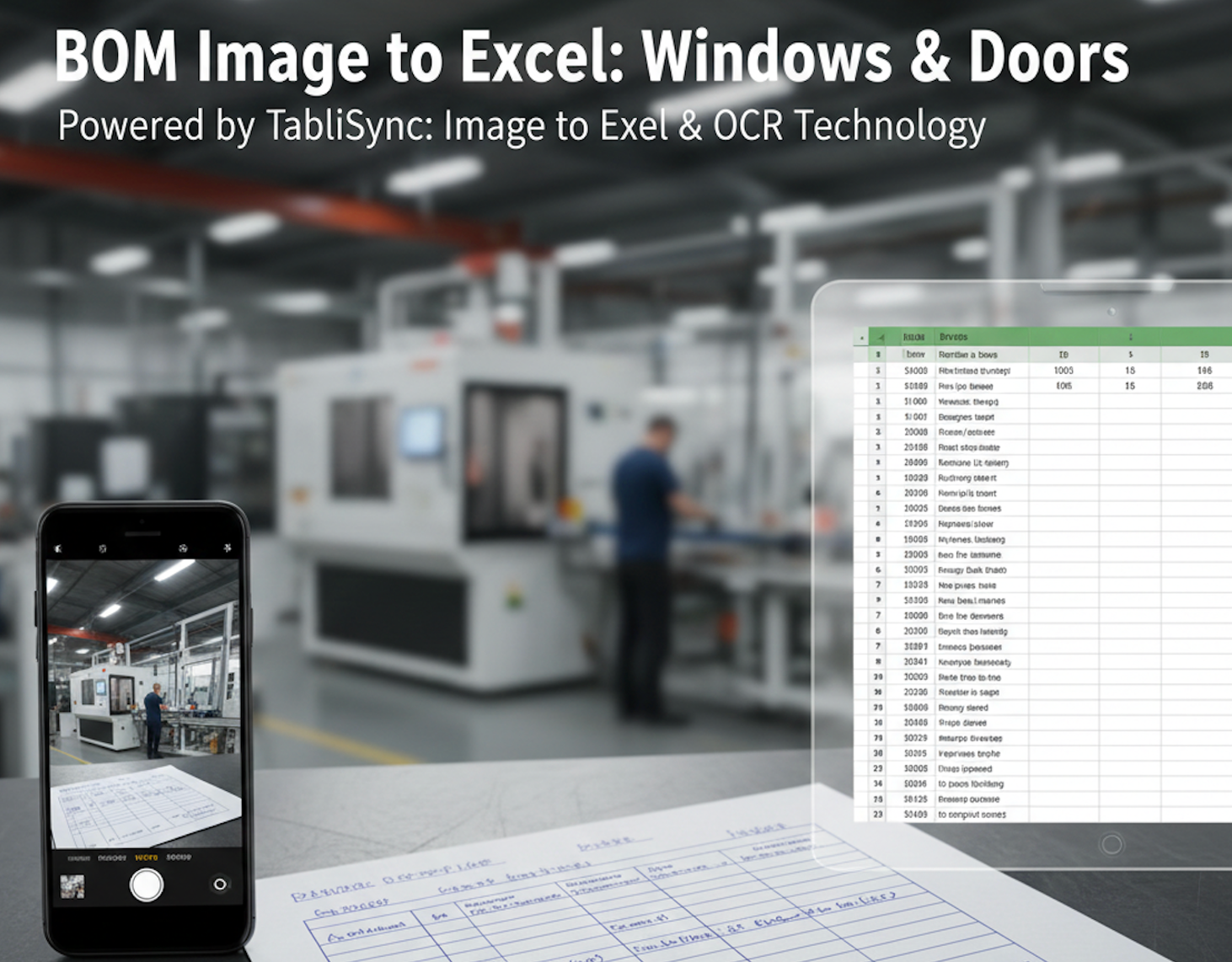
BOM Image to Excel: Windows & Doors

In the high-precision world of window and door manufacturing, the distance between a field measurement and the cutting machine is often a piece of crumpled paper. For decades, the "Handwritten Sales Order" has been both the lifeblood and the bottleneck of the industry. Dealers, contractors, and site managers often rely on hand-drawn sketches and manually filled Bill of Materials (BOM) to communicate complex specifications like frame dimensions, glass types, and hardware finishes. However, manual data entry is a silent profit killer. One typo during the transcription of a JPG to Excel task can lead to an entire batch of miscut profiles or incorrectly sized double-glazed units. This is why forward-thinking factories are turning to TabliSync. By leveraging advanced Image to Excel and PDF to Excel AI technology, manufacturing leaders are digitizing their workflows, ensuring that what is written on the clipboard is perfectly synced with their production software in seconds.

TabliSync
Windows Sales Orders: Image to Excel
Recommended

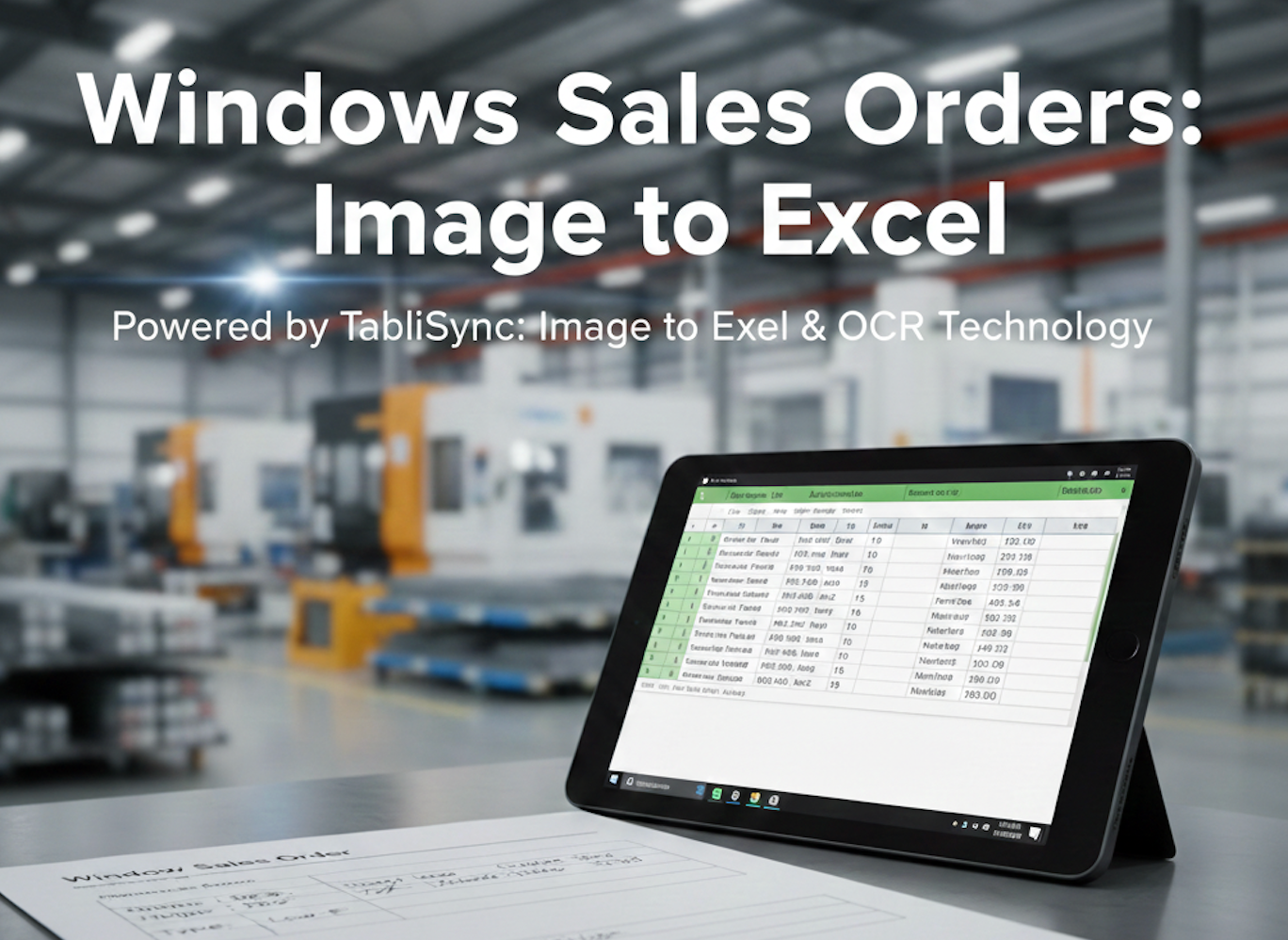
Windows Sales Orders: Image to Excel

The window and door manufacturing industry is built on precision, but its administrative backbone is often buried in paper. From handwritten sales orders and sketched-out Bill of Materials (BOM) to complex PDF quotes sent by dealers, the data entry bottleneck is real. For a production supervisor, retyping these measurements into a centralized ERP or Excel sheet isn't just tedious—it’s a liability. One typo in a "JPG to Excel" manual transcription can lead to a miscut glass unit costing thousands in wasted material and shipping delays. In this guide, we explore how modern AI-driven OCR (Optical Character Recognition) is transforming the shop floor. By leveraging TabliSync’s specialized Image to Excel and PDF to Excel capabilities, manufacturers are digitizing their workflows, ensuring that what is written on the clipboard is exactly what ends up in the production schedule.

TabliSync