Image To Execl

All Image To Execl Articles

4 articles

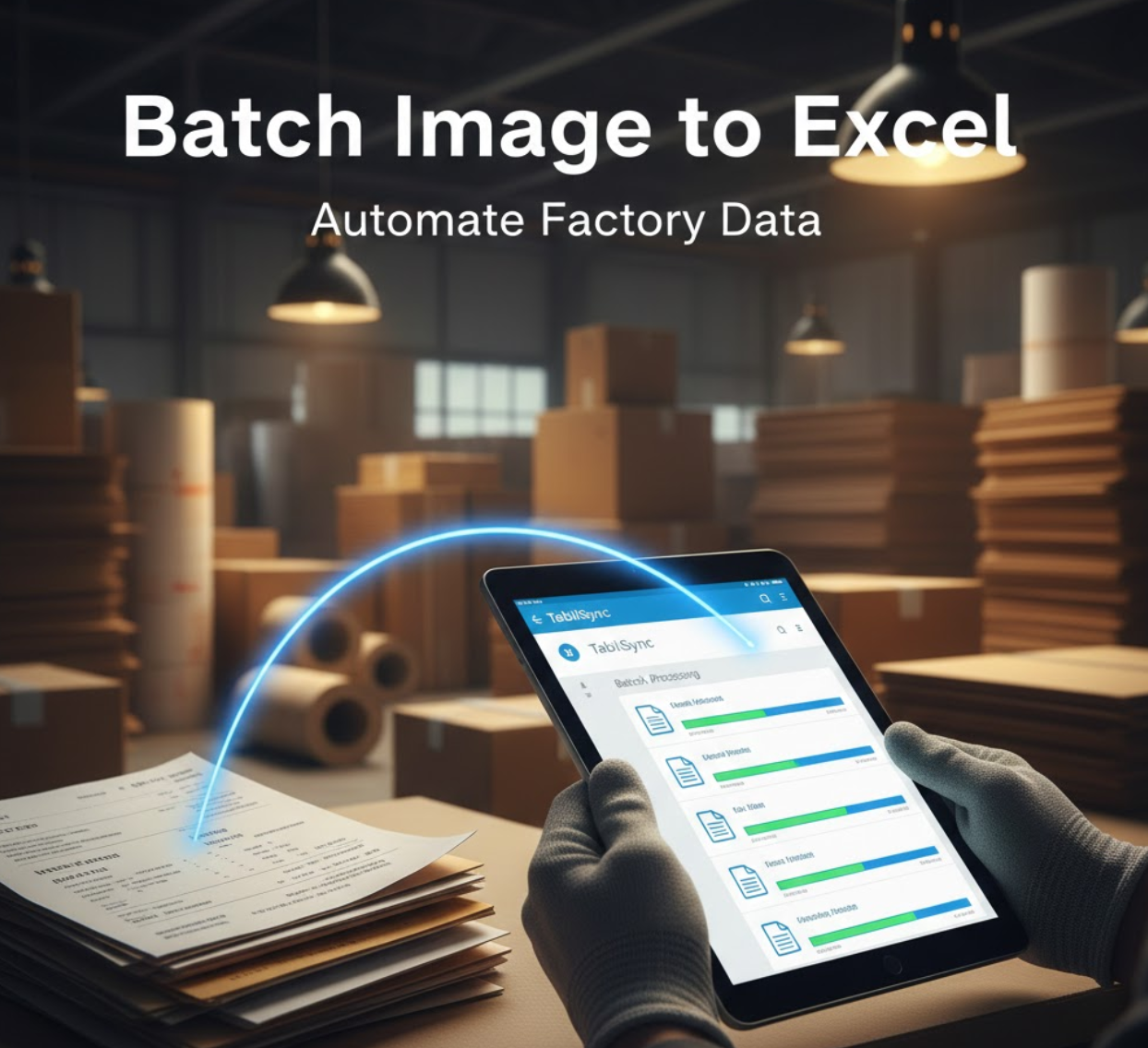
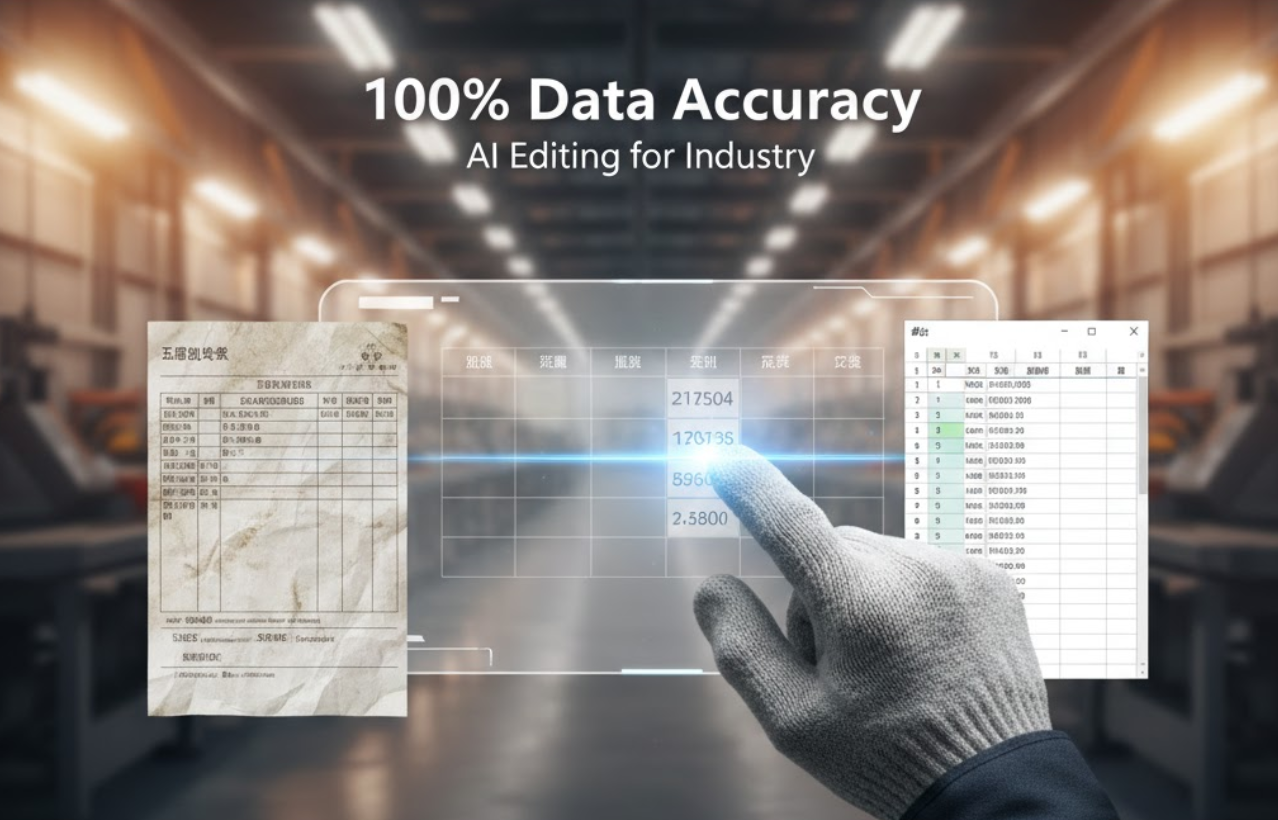
 From Shop Floor to Cloud: How TabliSync’s AI OCR Terminates Manual Data Entry in 10ms
Recommended

From Shop Floor to Cloud: How TabliSync’s AI OCR Terminates Manual Data Entry in 10ms

In the fast-paced world of 2026 manufacturing, data is the new currency. However, many factories are still "leaking" efficiency through manual data entry. Whether it’s a **Sales Order**, a **Work Order**, or a **Subcontracting Slip**, the bridge between paper and digital systems is often broken. This article explores how TabliSync utilizes **Semantic OCR** to digitize complex industrial documents and sync them to **Notion** and **Google Sheets** in real-time.

TabliSync
 How to convert bank statements to Excel using AI.
Recommended

How to convert bank statements to Excel using AI.

How to convert bank statFinancial management is the backbone of any successful business or personal investment strategy. However, the manual labor involved in extracting data from bank statements remains a significant bottleneck. For years, accountants and small business owners have struggled with the "copy-paste" nightmare. This guide provides a deep dive into how to convert bank statements to Excel using AI, ensuring you can automate your workflow with precision using Tablisync.ements to Excel using AI.

TabliSync

What is Image To Execl?

Quick answers about Image To Execl and how TabliSync helps teams work faster in Excel.

What is Image To Execl?

Image To Execl covers practical Excel workflows, common pitfalls, and automation patterns. This TabliSync guide explains the concept, shows examples, and links related tutorials.

How can TabliSync help with Image To Execl?

TabliSync can extract tables from screenshots or PDFs, clean messy spreadsheet data, and automate repetitive Excel tasks tied to Image To Execl so teams spend less time on manual copy-paste.

Where should I start with Image To Execl?

Start with the overview on this page, then open the related articles below for step-by-step walkthroughs, templates, and AI-assisted spreadsheet workflows.