AI 驅動的圖片轉 Excel 轉換器:JPG 和 PNG 轉為可編輯試算表
透過語義理解將表格圖片(JPG、PNG、WEBP)轉換為可編輯的 Excel
停止手動從圖片輸入資料!我們的 AI 驅動轉換器使用進階語義理解,將截圖、照片和掃描文件轉換為完全可編輯的試算表。超越基本 OCR——我們理解您資料中的上下文、關係和意義。
What is AI 驅動的圖片轉 Excel 轉換器:JPG 和 PNG 轉為可編輯試算表?
停止手動從圖片輸入資料!我們的 AI 驅動轉換器使用進階語義理解,將截圖、照片和掃描文件轉換為完全可編輯的試算表。超越基本 OCR——我們理解您資料中的上下文、關係和意義。
認識 TabliSync:AI 驅動的 Excel 自動化方案
在 Microsoft Excel 之上建立的智慧自動化層,專為真實商務流程、資料處理任務與團隊協作設計。把繁瑣的手動 Excel 操作變成可重複、可擴展的 AI 自動化流程,節省時間並降低錯誤。
語義理解 OCR
我們的智慧 OCR 不僅讀取文字——它理解表格結構、資料關係和上下文。處理傳統 OCR 工具遺漏的複雜版面、旋轉圖片和手寫內容。
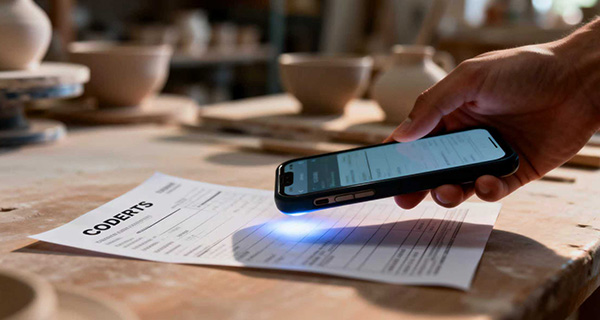
AI 表格偵測
進階 AI 自動識別複雜圖片和文件中的表格結構、行、列和標題,即使表格部分可見或扭曲。
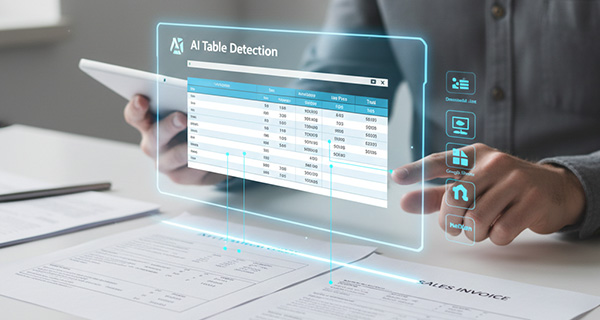
跨平台同步
超越 Excel 匯出——直接同步至 Google Sheets、Notion、Airtable 和其他平台。您的資料在整個工作流程中無縫流動。
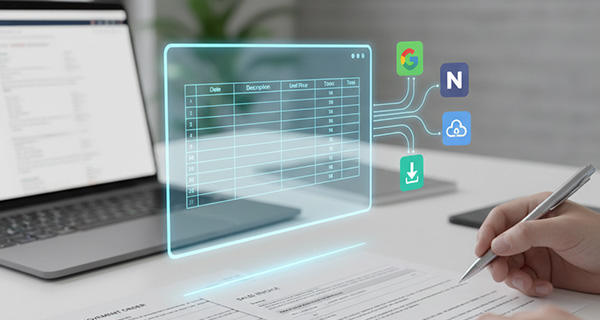
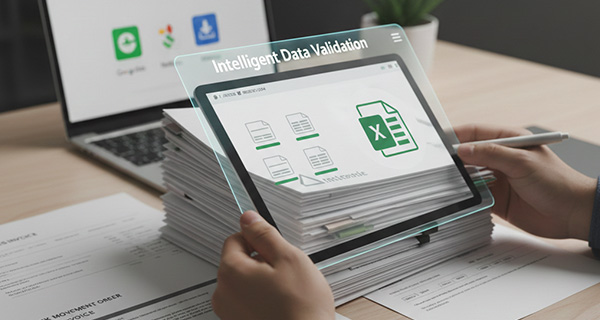
智慧資料驗證
AI 驗證擷取的資料,糾正常見的 OCR 錯誤,並確保資料完整性。識別數字、日期、貨幣並維護格式。
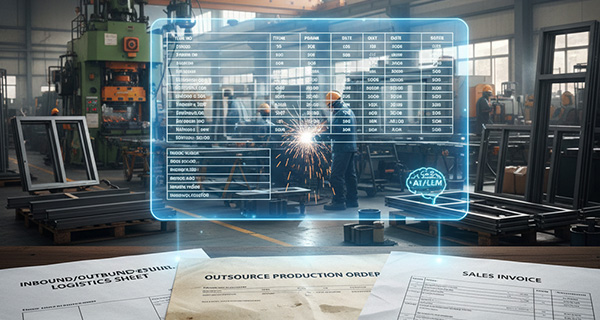
批次處理
一次上傳多張圖片,將它們轉換為單一 Excel 檔案,包含單獨的工作表或合併的資料。非常適合處理大型文件集。
格式保留
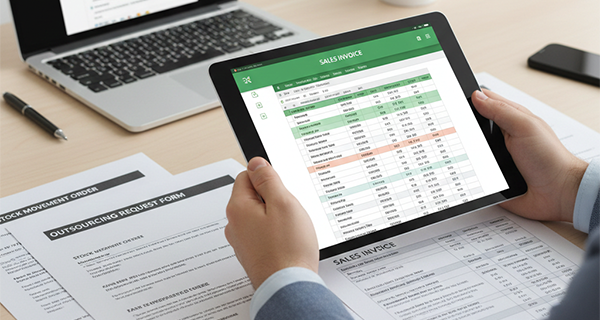
維護原始格式、儲存格樣式和資料類型。圖片中看到的就是試算表中得到的。
語義理解 OCR
我們的智慧 OCR 不僅讀取文字——它理解表格結構、資料關係和上下文。處理傳統 OCR 工具遺漏的複雜版面、旋轉圖片和手寫內容。
AI 表格偵測
進階 AI 自動識別複雜圖片和文件中的表格結構、行、列和標題,即使表格部分可見或扭曲。
跨平台同步
超越 Excel 匯出——直接同步至 Google Sheets、Notion、Airtable 和其他平台。您的資料在整個工作流程中無縫流動。
智慧資料驗證
AI 驗證擷取的資料,糾正常見的 OCR 錯誤,並確保資料完整性。識別數字、日期、貨幣並維護格式。
批次處理
一次上傳多張圖片,將它們轉換為單一 Excel 檔案,包含單獨的工作表或合併的資料。非常適合處理大型文件集。
格式保留
維護原始格式、儲存格樣式和資料類型。圖片中看到的就是試算表中得到的。
實際看看 TabliSync:產品示範
看看 TabliSync 如何在幾分鐘內把複雜的試算表流程變成簡單自動化。透過真實案例了解資料擷取、工作流自動化與智慧處理如何每週節省數小時。
消除手動輸入
停止浪費時間手動從圖片輸入資料。我們的 AI 以 99% 以上的準確度自動擷取表格資料,節省數小時的工作。
智慧 OCR 技術
進階語義理解處理模糊照片、掃描文件、截圖,甚至手寫表格。我們的 AI 超越基本 OCR,理解上下文和意義。
即時同步與下載
幾秒內取得您的 Excel 檔案,或一鍵直接同步至 Google Sheets、Notion 和其他平台。無需手動匯入。
運作方式 - 簡單上手四步驟
開始並轉型您的資料工作流程的簡單步驟
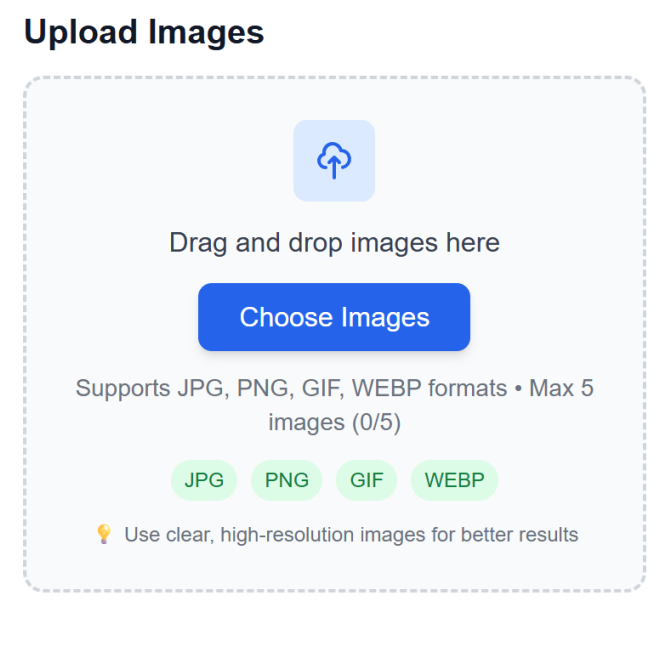
上傳圖片檔案
拖放包含表格的圖片,或從您的裝置選擇檔案。支援多種格式和批次上傳。
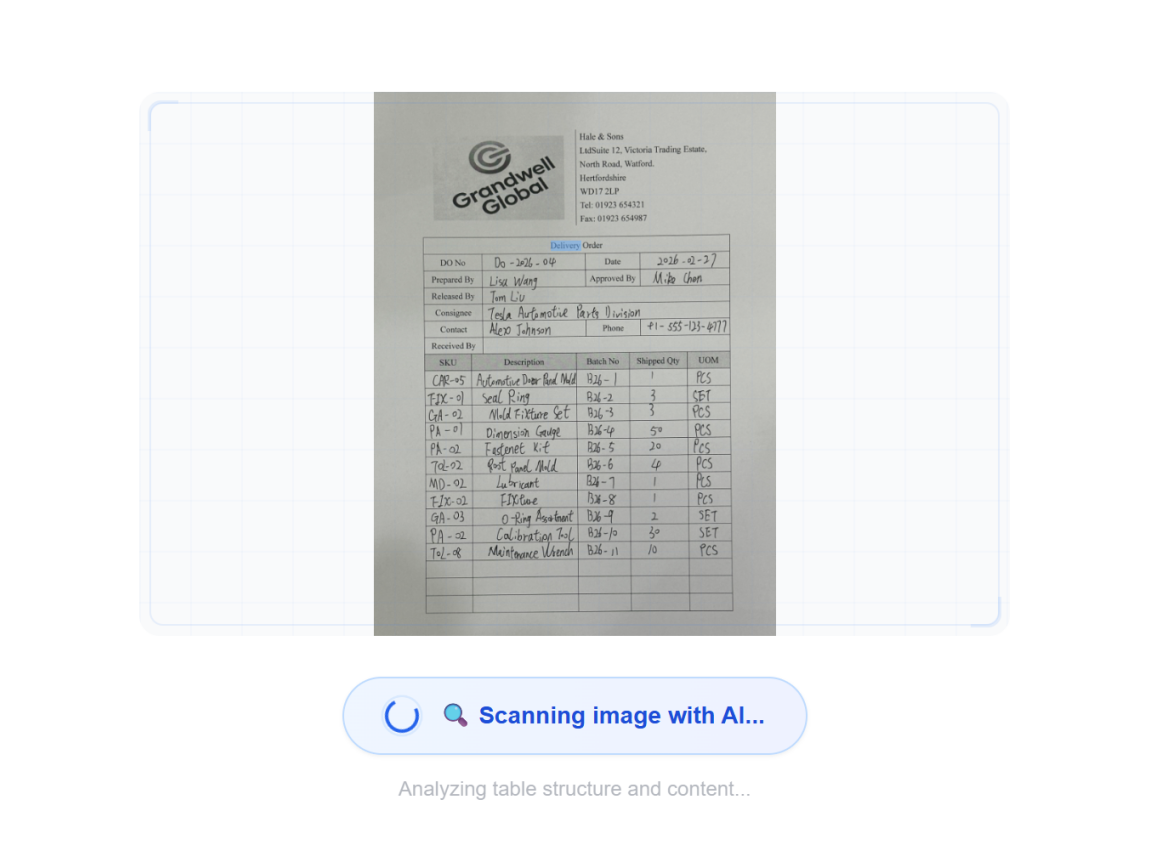
AI 以語義理解處理
進階 AI 使用語義理解分析圖片,偵測表格結構,並以上下文感知擷取資料——不僅僅是基本 OCR。
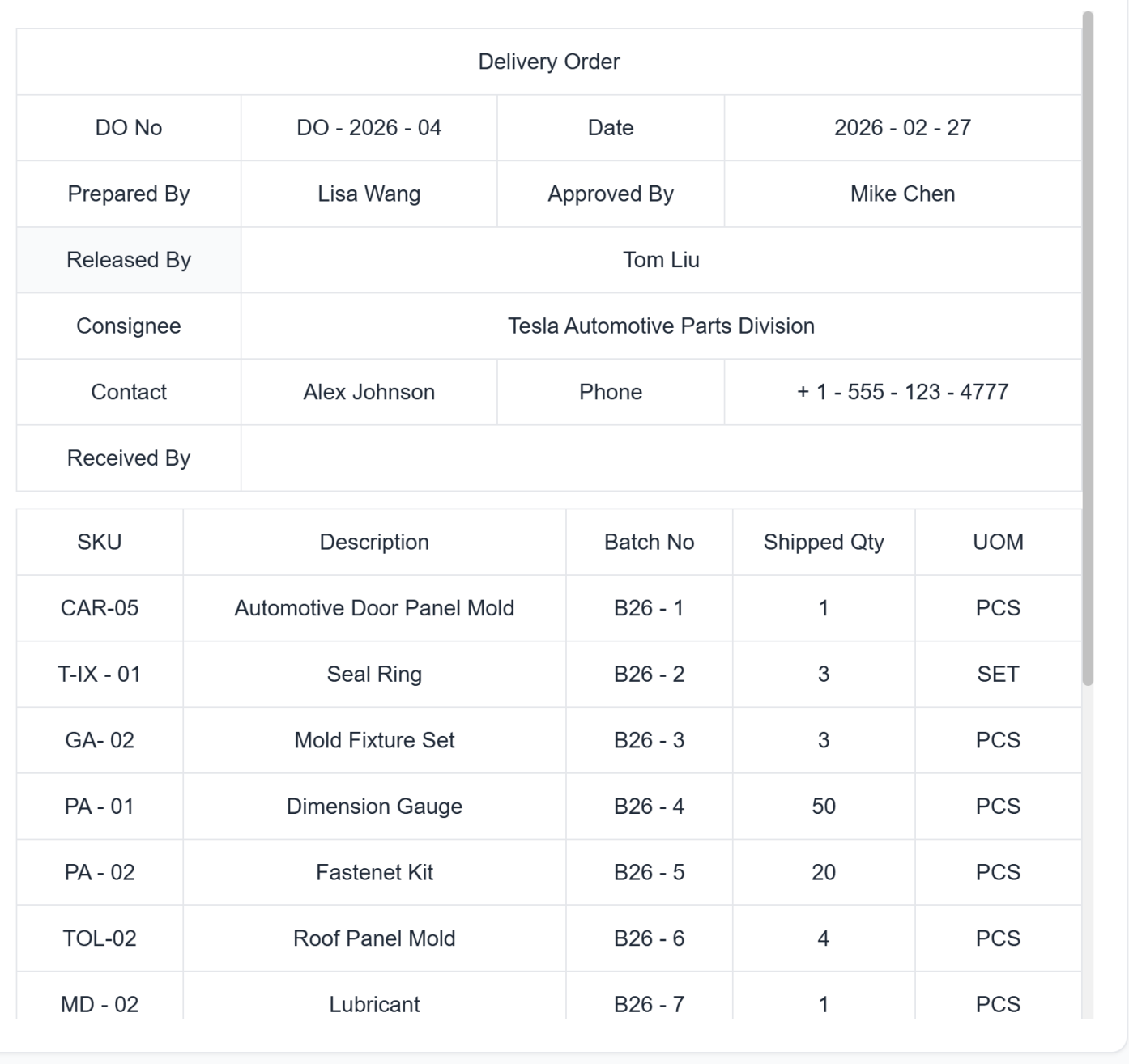
檢視擷取的資料
以表格格式預覽擷取的資料。在最終轉換前進行任何必要的更正。
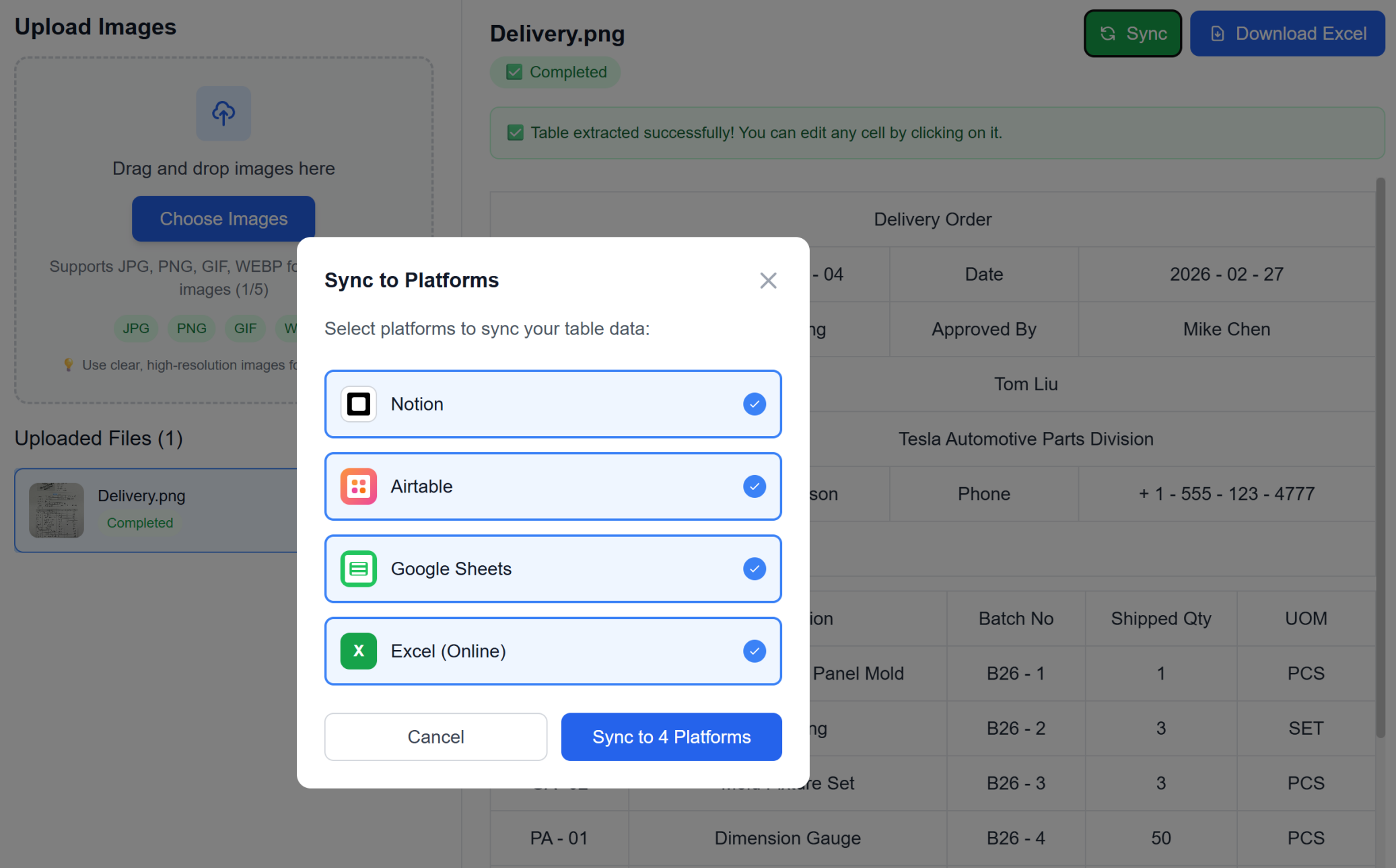
下載 Excel 或直接同步
立即下載為 Excel 或一鍵直接同步至您喜愛的工作區(Google Sheets、Notion、Airtable)。無需手動匯入。
上傳圖片檔案
拖放包含表格的圖片,或從您的裝置選擇檔案。支援多種格式和批次上傳。
AI 以語義理解處理
進階 AI 使用語義理解分析圖片,偵測表格結構,並以上下文感知擷取資料——不僅僅是基本 OCR。
檢視擷取的資料
以表格格式預覽擷取的資料。在最終轉換前進行任何必要的更正。
下載 Excel 或直接同步
立即下載為 Excel 或一鍵直接同步至您喜愛的工作區(Google Sheets、Notion、Airtable)。無需手動匯入。
真實成果:客戶成功故事
別只聽我們說。看看已經用 TabliSync 每週節省好幾小時的團隊與專業人士怎麼說。來自真實用戶的回饋,分享他們如何找回寶貴時間。
"以前建立範本要花我一小時,現在只要 2 分鐘。"

Sarah Mitchell
人資經理
"我們團隊終於能為所有工作建立一致且專業的範本。"

Michael Chen
營運總監
"我不用成為 Excel 專家,也能建立複雜的追蹤表。"

Emily Rodriguez
專案協調員
適用於各行各業的使用案例
了解不同領域的專業人士如何利用這個強大功能
商業專業人士
將財務報表、發票和商業文件從圖片轉換為可編輯的試算表,並保留格式。
發票資料擷取與自動分類
財務報表轉換維護公式
商業文件數位化與資料驗證
學生與研究人員
將研究資料、調查結果和論文中的學術表格轉換為可分析的 Excel 格式,具有智慧資料識別。
研究論文資料擷取與統計驗證
調查結果數位化與回應分類
學術表格轉換保留科學記號
資料輸入團隊
透過將掃描文件和圖片直接轉換為 Excel 檔案,以 99% 以上的準確度消除手動資料輸入。
表單資料擷取與欄位驗證
舊文件數位化與錯誤更正
大量文件處理與品質保證
會計師
將收據、對帳單和財務文件從圖片轉換為有組織的 Excel 試算表,具有自動資料分類。
收據資料擷取與費用分類
銀行對帳單轉換與交易分析
稅務文件處理與合規驗證
常見問題:你需要知道的一切
取得關於這項 TabliSync 功能的常見問題解答,包括如何有效使用、可以期待的成果,以及如何整合到既有工作流程。
把掃描表格轉成可編輯的 Excel,最好的做法是什麼(避免手動重輸)?
上傳 JPG 或 PNG 的表格圖片,讓 AI 自動偵測表格結構,然後在匯出前先檢查提取出的欄位。此流程能移除大部分手動資料輸入,並加快整體作業。
AI 能從截圖中擷取合併儲存格與複雜的表格版面嗎?
可以。擷取流程特別為合併儲存格、多列表頭與不規則版面設計。你能在將結果用於後續報表之前,快速驗證輸出品質。
低品質照片與收據的圖片轉 Excel OCR 準確度如何?
準確度取決於圖片品質、表格對比度與版面複雜度。想獲得最佳效果,請使用清晰的拍攝,並在完成後針對總計與關鍵欄位做一次快速校驗。
能否把多張表格圖片批次轉換成一個結構化的活頁簿?
可以。你可以在同一個工作流程中處理多張圖片並整理輸出,最後合併到有組織的工作表中。這特別適合重複性作業與月末文件處理。
轉換後的 Excel 資料能同步到 Google Sheets、Airtable 或 Notion 嗎?
可以。提取完成後,你可以依 workspace 設定把結果匯出為 Excel/CSV,再同步到已連接的工具。這能讓團隊跨系統保持一致。
TabliSync 如何保護圖片轉 Excel 過程中的敏感資料,確保安全與機密?
上傳的檔案在傳輸過程中會加密,且處理流程採用受控的存取權限。只有你 workspace 中獲授權的使用者才能存取轉換結果,且可依保留策略在完成後移除檔案。
為什麼 TabliSync 不僅僅是轉換器
透過我們完整的 AI 驅動工具生態系統轉型您的資料工作流程,實現跨平台資料管理、協作和自動化。
跨平台同步
您轉換的資料自動同步到 Google Sheets、Notion、Airtable 和其他平台。無需手動匯入或匯出。
即時協作
即時分享和協作您擷取的資料。團隊成員可以同時跨不同平台存取、編輯和分析資料。
自動化更新
設定自動資料重新整理排程。您的試算表保持最新狀態,無需手動介入,節省數小時的重複工作。
加入完整的資料生態系統
透過我們整合的 AI 工具套件釋放資料的全部潛力