AI 試算表生成器:由自然語言描述建立自訂 Excel 範本

Overview

立即產生專業 Excel 範本——預算、追蹤、資料庫等場景皆可套用,並內建公式

不再從空白表格開始。只要用自然語言描述需求,AI 就能產出具備公式、格式與資料驗證的完整 Excel 範本。無論是預算管理、專案追蹤或庫存流程,都能在短時間建立可直接使用的高品質模板。

生成範本
無需信用卡——加入 10,000+ 位每天同步資料的使用者
🚀 SOLUTION

Meet TabliSync: Your AI-Powered Excel Automation Solution

An intelligent spreadsheet automation layer built on top of Microsoft Excel — designed for real-world business workflows, data processing tasks, and team collaboration. Transform manual Excel operations into automated, AI-driven processes that save time and reduce errors.

icon

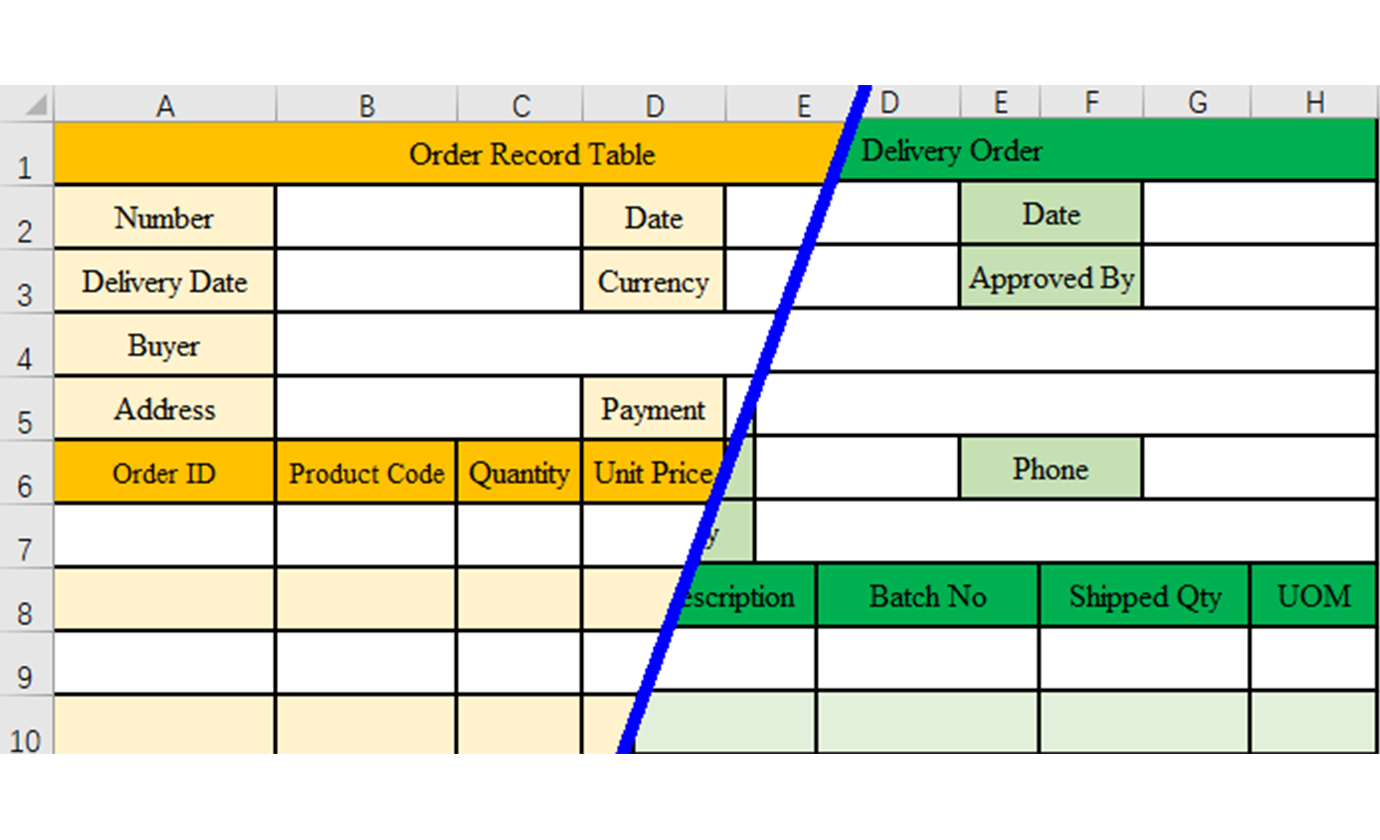
範本生成

為任何商業需求建立自訂 Excel 範本:預算、發票、專案追蹤器或庫存系統,使用簡單描述。
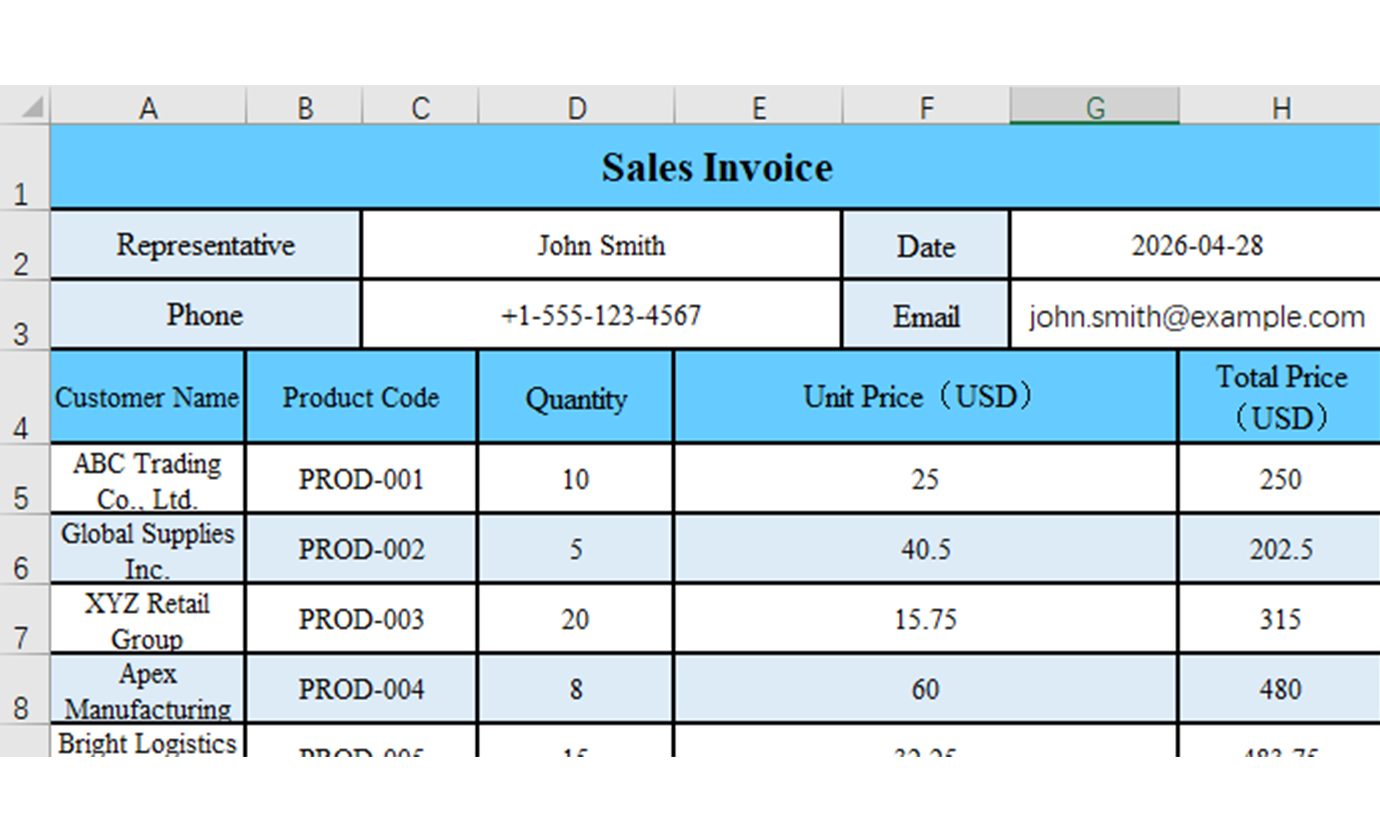
Template generation from prompts screenshot
icon

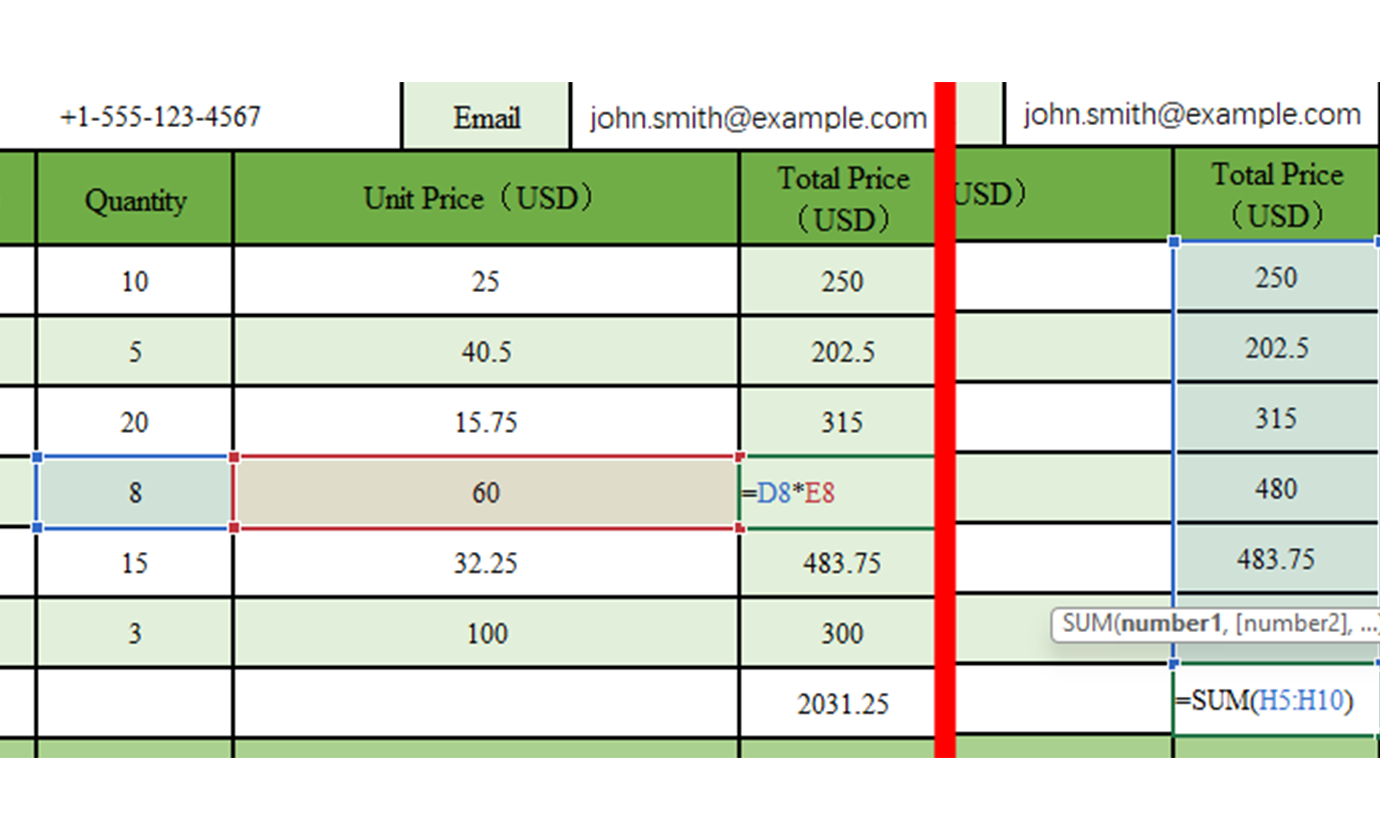
智慧公式

AI 根據您的範本需求自動新增適當的公式、計算和函數。

Smart formula creation screenshot
icon

專業格式

範本附帶專業格式、顏色和樣式,符合商業標準和最佳實務。

Professional formatting and design screenshot
icon

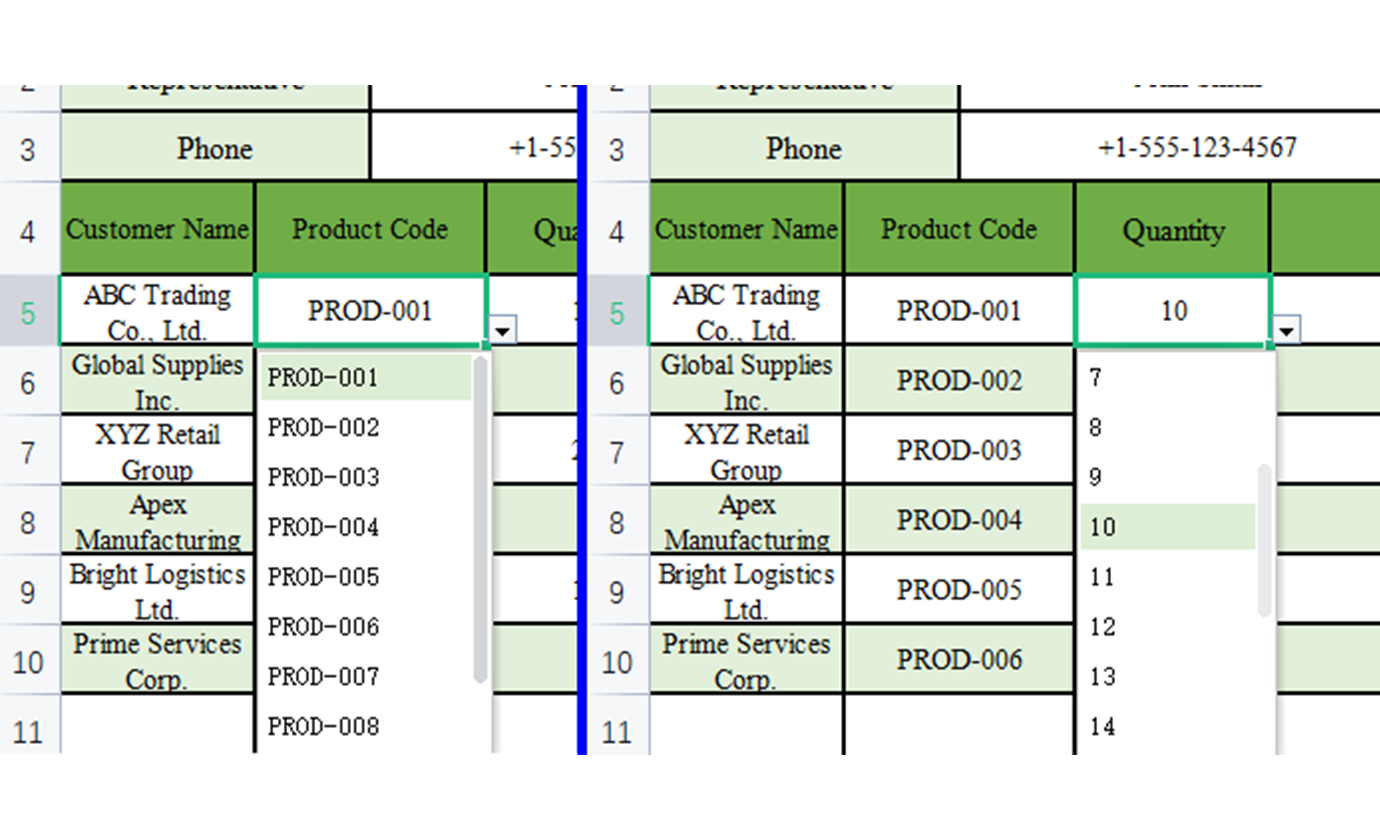
資料驗證

內建資料驗證規則、下拉清單和輸入限制,確保資料品質和一致性。

Data validation rules screenshot
icon

產業專用範本

生成針對特定產業量身訂製的範本:金融、醫療保健、零售、製造等等。
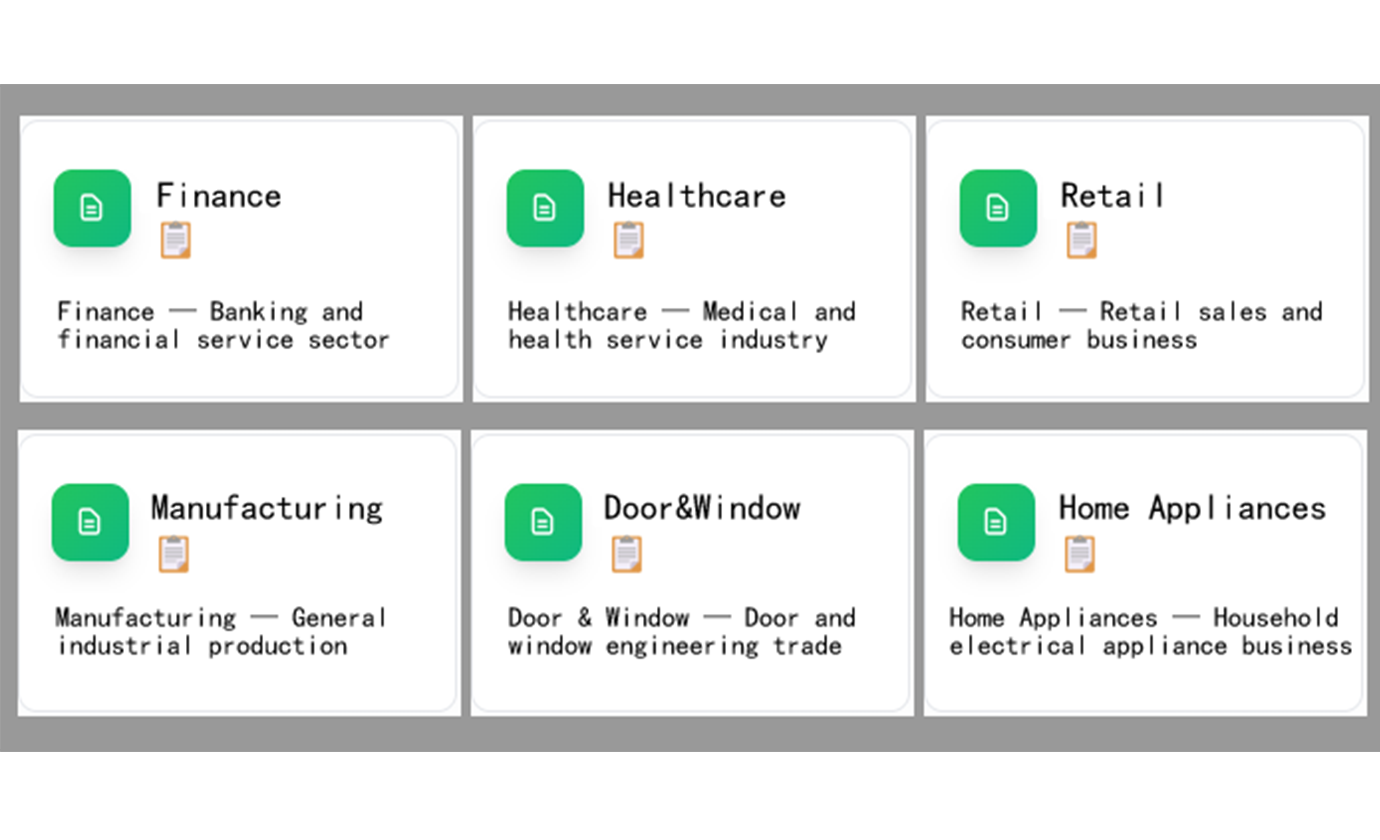
Industry-specific template library screenshot
icon

可客製化結構

透過描述變更輕鬆修改生成的範本:新增欄位、變更公式或調整格式。
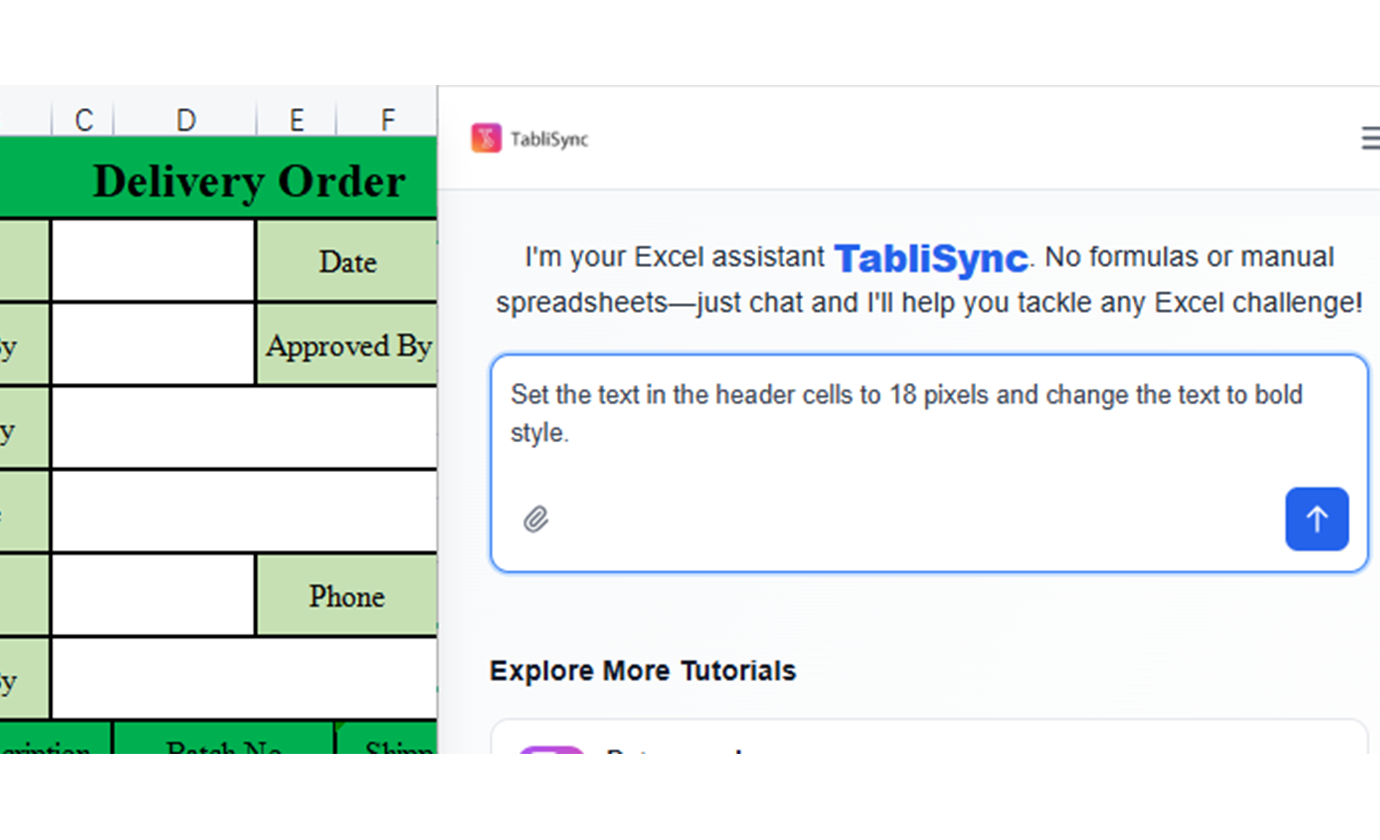
Customizable template structure screenshot

再也不用從頭開始

跳過空白試算表的焦慮。從第一天起就獲得內建公式、格式和功能的專業範本。

專業品質

每個範本都遵循最佳實務,具有適當的格式、資料驗證和令客戶印象深刻的商業級功能。

即時客製化

需要變更?只需描述您想要修改的內容。AI 在幾秒內將範本調整為您的確切需求。

See The Difference

Before vs After: The TabliSync Transformation

Compare traditional manual workflows with TabliSync's intelligent automation. See how teams eliminate hours of repetitive work, reduce errors, and accelerate their data processing with AI-powered spreadsheet tools that actually work.

Traditional Way

The old way of working

  • Build templates from scratch
  • Inconsistent formats across team
  • Time-consuming setup
  • No reusability
  • Requires Excel expertise
Slow, manual, error-prone

With TabliSync

The smart way forward

  • Generate templates from prompts
  • Consistent, standardized formats
  • Instant template creation
  • Reusable and adaptable
  • No Excel skills required
Fast, automated, accurate
生成範本

Real Results from Real Teams: Customer Success Stories

Don't just take our word for it. Hear from teams and professionals who are already saving hours every week with TabliSync. Real feedback from users who've transformed their spreadsheet workflows and reclaimed valuable time.

"建立範本以前要一小時,現在 2 分鐘就完成。"

Patricia Johnson

Patricia Johnson

人資經理

"我們團隊終於擁有一致又專業的範本。"

Christopher Lee

Christopher Lee

營運主管

"不用成為 Excel 專家,我也能做出複雜追蹤表。"

Michelle Garcia

Michelle Garcia

專案協調員

Real-World Industry Solutions

Template Use Cases by Function

Generate structured sheet templates for recurring workflows in every department.

Client Background

小型企業

為營運、財務和管理建立必要的商業範本,無需聘請專家。

Core Highlights

發票和帳單範本

費用追蹤系統

客戶資料庫範本

Client Background

專案經理

生成專案管理範本,用於追蹤任務、資源、時間軸和交付成果。

Core Highlights

專案時間軸追蹤器

資源配置表

任務管理系統

Client Background

教育工作者

建立教育範本,用於成績追蹤、課程規劃和學生管理。

Core Highlights

成績簿範本

課程計畫組織器

學生進度追蹤器

Client Background

自由工作者

建立專業範本,用於客戶管理、時間追蹤和財務規劃。

Core Highlights

時間追蹤表

客戶專案範本

自由工作收入追蹤器

4+
Industry Solutions
12+
Real Use Cases
100%
Practical Solutions

Frequently Asked Questions: Everything You Need to Know

Get answers to common questions about this TabliSync feature, including how to use it effectively, what results to expect, and how it integrates with your existing workflows. Find the information you need to get started with confidence.

How can I generate an Excel template from a plain-language prompt?

Describe your table purpose, required columns, and validation rules. TabliSync generates a structured sheet template you can review and refine before use.

Can I create department-specific templates for finance, HR, and operations?

Yes. You can generate function-specific templates with prebuilt fields and calculation logic tailored to each team workflow.

What is the fastest way to standardize sheet formats across teams?

Use reusable prompt patterns and shared template definitions so every team starts from the same schema and formatting baseline.

Can generated templates include formulas and validation constraints?

Yes. You can include computed columns, required fields, and input constraints to reduce downstream data quality issues.

How do I update an existing template without rebuilding from scratch?

Provide the existing structure and request incremental changes by field, rule, or section. The generator can revise layouts while preserving core logic.

How does TabliSync secure confidential template and planning data?

Template generation requests are handled over encrypted channels with access controls tied to your workspace. You retain control over who can view generated structures.

Why TabliSync is More Than Just a Converter

Transform your data workflow with our complete ecosystem of AI-powered tools for cross-platform data management, collaboration, and automation.

Cross-Platform Sync

Your converted data automatically syncs across Google Sheets, Notion, Airtable, and other platforms. No manual importing or exporting needed.

Real-Time Collaboration

Share and collaborate on your extracted data instantly. Team members can access, edit, and analyze data across different platforms simultaneously.

Automated Updates

Set up automatic data refresh schedules. Your spreadsheets stay up-to-date without manual intervention, saving hours of repetitive work.

Join the Complete Data Ecosystem

Unlock the full potential of your data with our integrated suite of AI tools

Template CreationSchema DesignAutomated FormattingReusable TemplatesWorkflow Standardization

Ready to Transform Your Data Workflow?

Join thousands of professionals who trust TabliSync for their data needs

無需信用卡——加入 10,000+ 位每天同步資料的使用者