AI搭載の画像からExcelへのコンバーター:JPGとPNGを編集可能なスプレッドシートに
意味理解で表画像(JPG、PNG、WEBP)を編集可能な Excel に変換
画像からのデータ手入力はもう終わり!当社の AI 搭載コンバーターは高度な意味理解を使用して、スクリーンショット、写真、スキャンされたドキュメントを完全に編集可能なスプレッドシートに変換します。基本的な OCR を超えて - データのコンテキスト、関係性、意味を理解します。
Meet TabliSync: Your AI-Powered Excel Automation Solution
An intelligent spreadsheet automation layer built on top of Microsoft Excel — designed for real-world business workflows, data processing tasks, and team collaboration. Transform manual Excel operations into automated, AI-driven processes that save time and reduce errors.
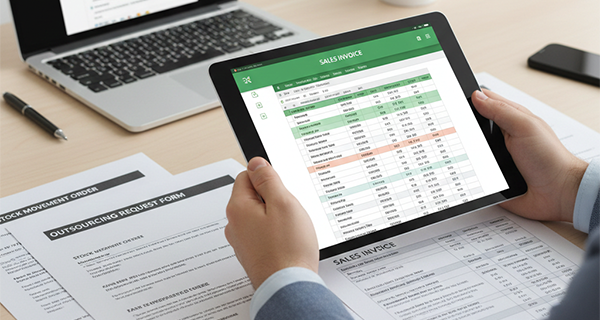
意味理解 OCR
当社のスマート OCR はテキストを読むだけでなく、テーブル構造、データ関係、コンテキストを理解します。従来の OCR ツールが見逃す複雑なレイアウト、回転した画像、手書きコンテンツを処理します。

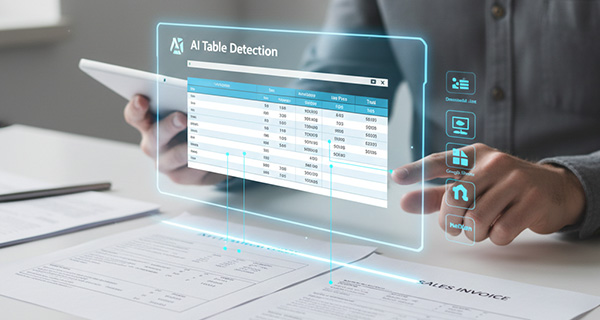
AI テーブル検出
高度な AI が複雑な画像やドキュメントからテーブル構造、行、列、ヘッダーを自動的に識別します。テーブルが部分的に表示されているか歪んでいても対応します。
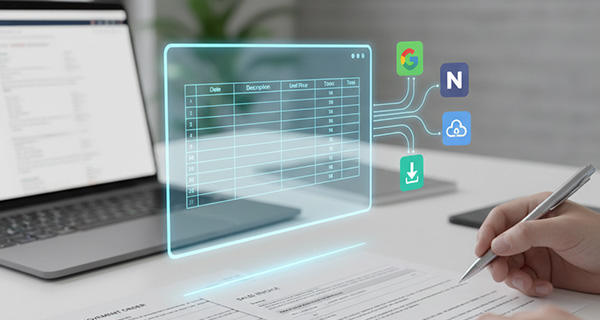
クロスプラットフォーム同期
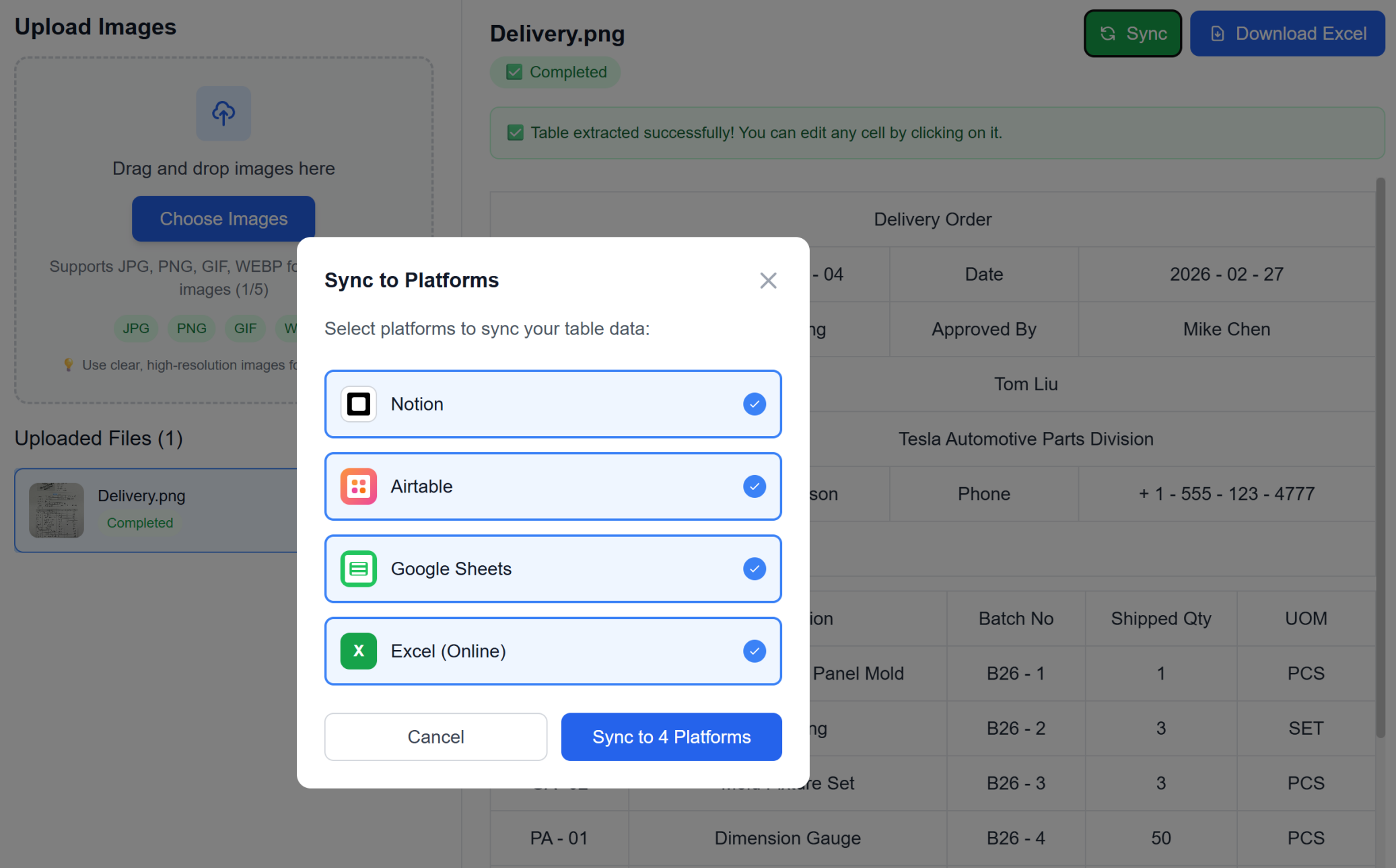
Excel エクスポートを超えて - Google Sheets、Notion、Airtable、その他のプラットフォームに直接同期します。データはワークフロー全体でシームレスに流れます。
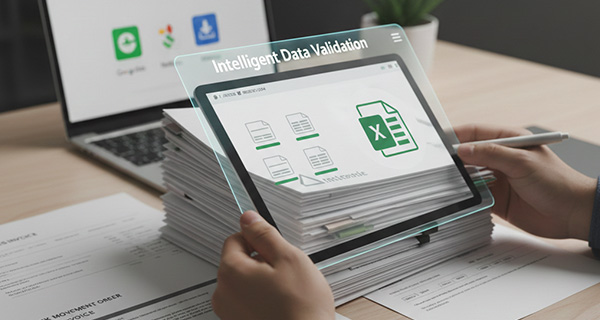
インテリジェントなデータ検証
AI が抽出されたデータを検証し、一般的な OCR エラーを修正し、データの整合性を確保します。数値、日付、通貨を認識し、フォーマットを維持します。
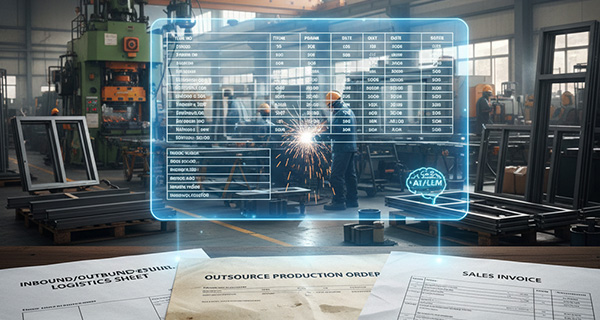
バッチ処理
複数の画像を一度にアップロードし、個別のシートまたは結合されたデータを持つ単一の Excel ファイルに変換します。大規模なドキュメントセットの処理に最適です。
フォーマット保持
元のフォーマット、セルスタイル、データ型を維持します。画像で見たものがスプレッドシートで得られるものです。
意味理解 OCR
当社のスマート OCR はテキストを読むだけでなく、テーブル構造、データ関係、コンテキストを理解します。従来の OCR ツールが見逃す複雑なレイアウト、回転した画像、手書きコンテンツを処理します。
AI テーブル検出
高度な AI が複雑な画像やドキュメントからテーブル構造、行、列、ヘッダーを自動的に識別します。テーブルが部分的に表示されているか歪んでいても対応します。
クロスプラットフォーム同期
Excel エクスポートを超えて - Google Sheets、Notion、Airtable、その他のプラットフォームに直接同期します。データはワークフロー全体でシームレスに流れます。
インテリジェントなデータ検証
AI が抽出されたデータを検証し、一般的な OCR エラーを修正し、データの整合性を確保します。数値、日付、通貨を認識し、フォーマットを維持します。
バッチ処理
複数の画像を一度にアップロードし、個別のシートまたは結合されたデータを持つ単一の Excel ファイルに変換します。大規模なドキュメントセットの処理に最適です。
フォーマット保持
元のフォーマット、セルスタイル、データ型を維持します。画像で見たものがスプレッドシートで得られるものです。
See TabliSync In Action: Live Product Demo
Watch how TabliSync transforms complex spreadsheet workflows into simple, automated processes in just minutes. See real-world examples of data extraction, automation, and intelligent processing that save teams hours every week.
手入力を排除
画像からデータを手動で入力する時間の無駄をやめましょう。当社の AI は 99% 以上の精度でテーブルデータを自動抽出し、何時間もの作業を節約します。
スマート OCR テクノロジー
高度な意味理解により、ぼやけた写真、スキャンされたドキュメント、スクリーンショット、さらには手書きの表も処理します。当社の AI は基本的な OCR を超えてコンテキストと意味を理解します。
即座の同期とダウンロード
数秒で Excel ファイルを取得するか、Google Sheets、Notion、その他のプラットフォームにワンクリックで直接同期します。手動インポートは不要です。
How It Works - Simple Steps to Get Started
Simple steps to get started and transform your data workflow
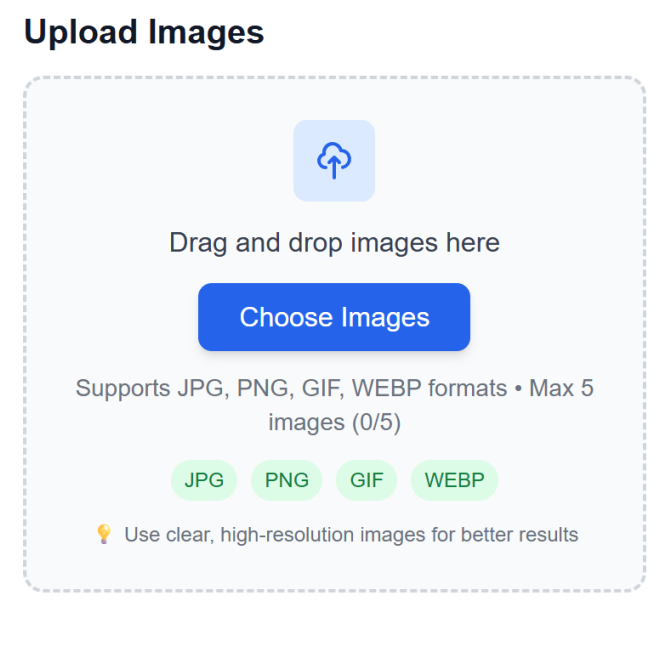
画像ファイルをアップロード
テーブルを含む画像をドラッグ&ドロップするか、デバイスからファイルを選択します。複数の形式とバッチアップロードをサポート。
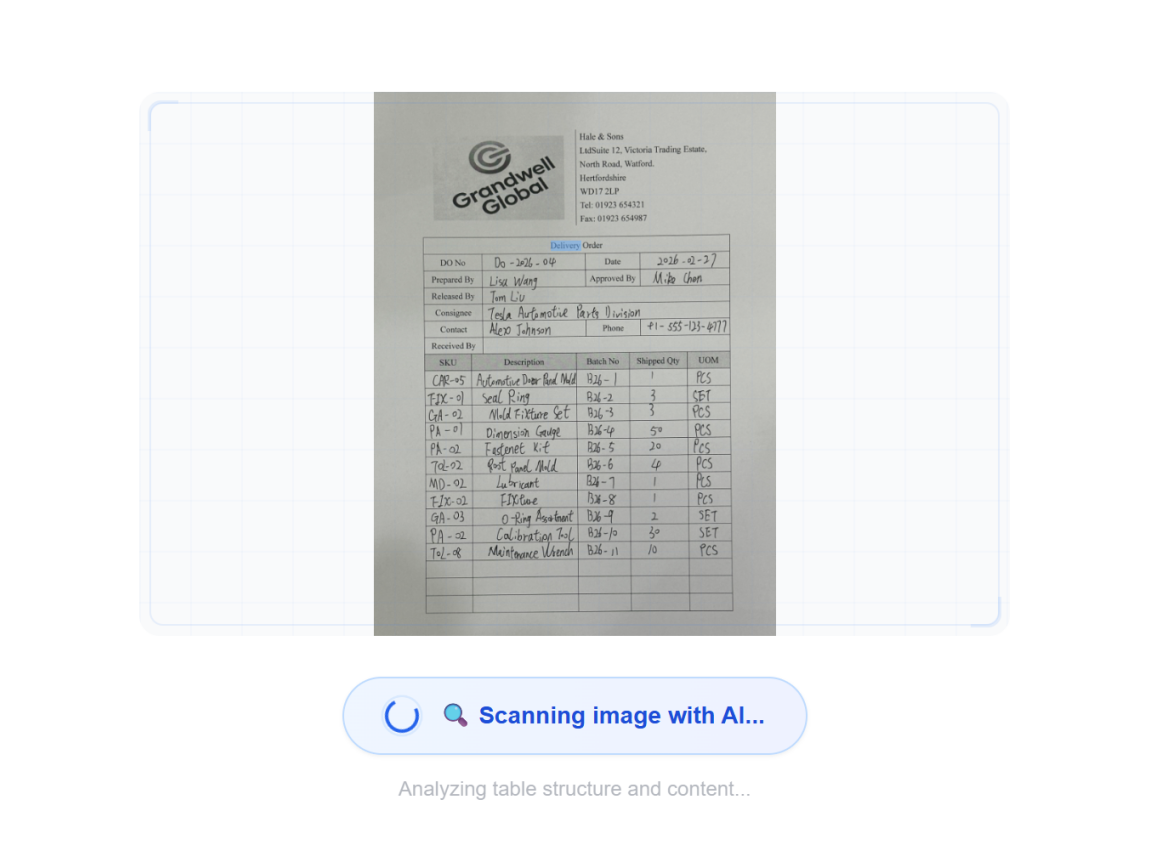
AI が意味理解で処理
高度な AI が意味理解を使用して画像を分析し、テーブル構造を検出し、コンテキスト認識でデータを抽出 - 単なる基本的な OCR ではありません。
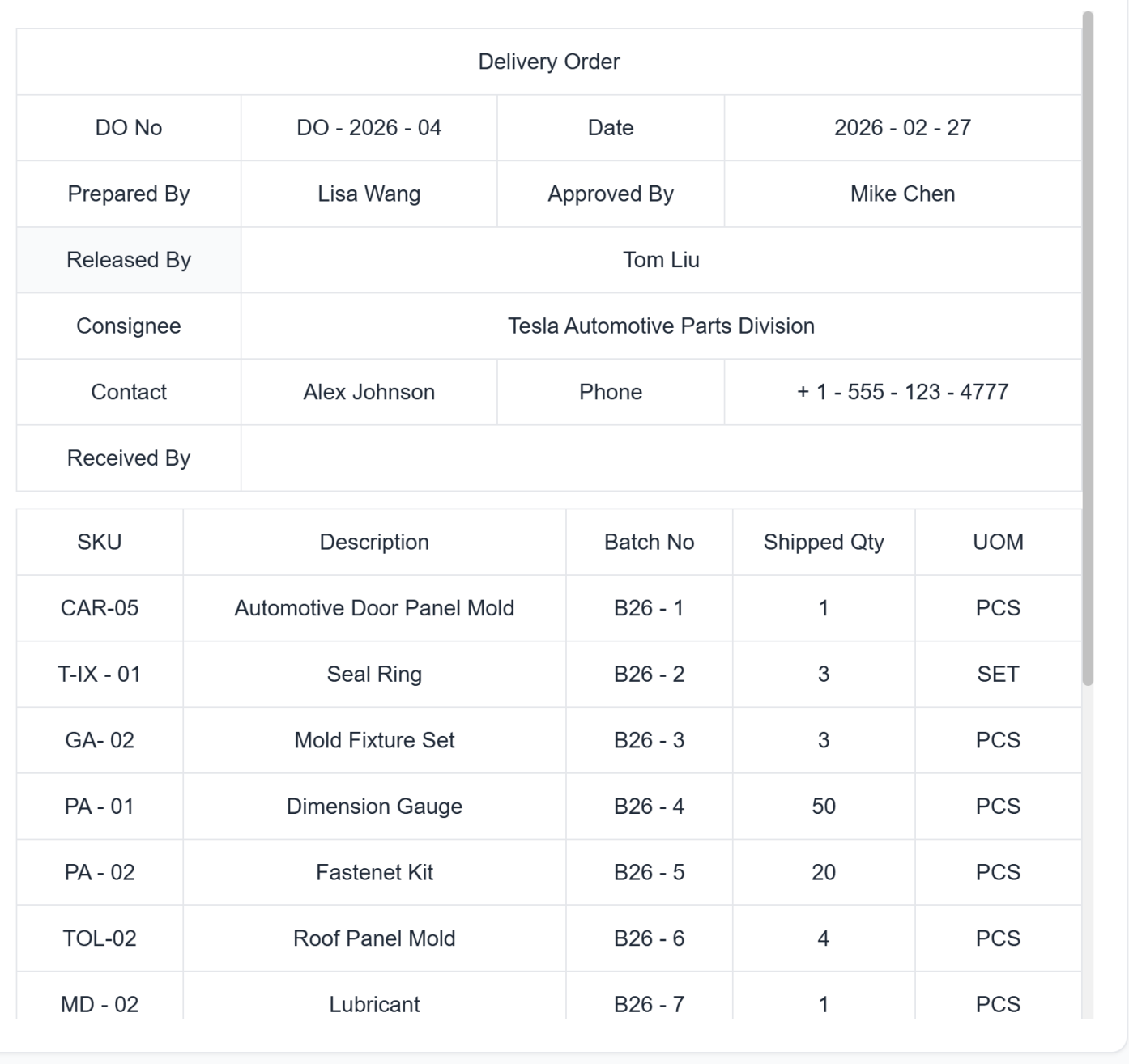
抽出されたデータを確認
抽出されたデータをテーブル形式でプレビューします。最終変換前に必要な修正を行います。
Excel をダウンロードまたは直接同期
Excel として即座にダウンロードするか、お気に入りのワークスペース(Google Sheets、Notion、Airtable)にワンクリックで直接同期します。手動インポートは不要です。
画像ファイルをアップロード
テーブルを含む画像をドラッグ&ドロップするか、デバイスからファイルを選択します。複数の形式とバッチアップロードをサポート。
AI が意味理解で処理
高度な AI が意味理解を使用して画像を分析し、テーブル構造を検出し、コンテキスト認識でデータを抽出 - 単なる基本的な OCR ではありません。
抽出されたデータを確認
抽出されたデータをテーブル形式でプレビューします。最終変換前に必要な修正を行います。
Excel をダウンロードまたは直接同期
Excel として即座にダウンロードするか、お気に入りのワークスペース(Google Sheets、Notion、Airtable)にワンクリックで直接同期します。手動インポートは不要です。
Real Results from Real Teams: Customer Success Stories
Don't just take our word for it. Hear from teams and professionals who are already saving hours every week with TabliSync. Real feedback from users who've transformed their spreadsheet workflows and reclaimed valuable time.
"Creating templates used to take me an hour. Now it takes 2 minutes."

Sarah Mitchell
HR Manager
"Our team finally has consistent professional templates for everything."

Michael Chen
Operations Director
"I can create complex tracking sheets without being an Excel expert."

Emily Rodriguez
Project Coordinator
Use Cases for Every Industry
See how professionals across different fields leverage this powerful feature
ビジネスプロフェッショナル
財務レポート、請求書、ビジネスドキュメントを画像から編集可能なスプレッドシートに変換し、フォーマットを保持します。
自動分類による請求書データ抽出
数式を維持した財務レポート変換
データ検証付きビジネスドキュメントのデジタル化
学生と研究者
研究データ、調査結果、論文の学術テーブルをインテリジェントなデータ認識で分析可能な Excel 形式に変換します。
統計検証付き研究論文データ抽出
回答分類付き調査結果のデジタル化
科学的記法を保持した学術テーブル変換
データ入力チーム
スキャンされたドキュメントと画像を 99% 以上の精度で Excel ファイルに直接変換することで、手動データ入力を排除します。
フィールド検証付きフォームデータ抽出
エラー修正付きレガシードキュメントのデジタル化
品質保証付き一括ドキュメント処理
会計士
領収書、明細書、財務ドキュメントを画像から自動データ分類で整理された Excel スプレッドシートに変換します。
経費分類付き領収書データ抽出
取引分析付き銀行明細書変換
コンプライアンス検証付き税務ドキュメント処理
Frequently Asked Questions: Everything You Need to Know
Get answers to common questions about this TabliSync feature, including how to use it effectively, what results to expect, and how it integrates with your existing workflows. Find the information you need to get started with confidence.
What is the best way to convert scanned tables to editable Excel without manual retyping?
Upload JPG or PNG table images, let AI detect table structure automatically, then review extracted columns before exporting. This workflow removes most manual data entry and speeds up operations.
Can AI extract merged cells and complex table layouts from screenshots?
Yes. The extraction pipeline is designed for merged cells, multi-column headers, and irregular layouts. You can validate output quickly before using it in downstream reports.
How accurate is image-to-Excel OCR for low-quality photos and receipts?
Accuracy depends on image quality, table contrast, and layout complexity. For best results, use clear captures and then run a quick validation pass on totals and key fields.
Can I batch convert multiple table images into one structured workbook?
Yes. You can process multiple images in one workflow and consolidate outputs into organized sheets. This is useful for recurring operations and month-end document processing.
Can converted Excel data sync to Google Sheets, Airtable, or Notion?
Yes. After extraction, you can export as Excel/CSV and sync to connected tools depending on your workspace setup. This keeps teams aligned across systems.
How does TabliSync keep sensitive image-to-Excel data secure and confidential?
Uploaded files are encrypted in transit and processing workflows are access-controlled. Only authorized users in your workspace can access conversion results, and you can remove files after completion based on your retention policy.
Why TabliSync is More Than Just a Converter
Transform your data workflow with our complete ecosystem of AI-powered tools for cross-platform data management, collaboration, and automation.
Cross-Platform Sync
Your converted data automatically syncs across Google Sheets, Notion, Airtable, and other platforms. No manual importing or exporting needed.
Real-Time Collaboration
Share and collaborate on your extracted data instantly. Team members can access, edit, and analyze data across different platforms simultaneously.
Automated Updates
Set up automatic data refresh schedules. Your spreadsheets stay up-to-date without manual intervention, saving hours of repetitive work.
Join the Complete Data Ecosystem
Unlock the full potential of your data with our integrated suite of AI tools
Ready to Transform Your Data Workflow?
Join thousands of professionals who trust TabliSync for their data needs
クレジットカード不要 • 毎日データを同期する 10,000 人以上のユーザーに参加