AIスプレッドシートジェネレーター:自然言語の説明からカスタムExcelテンプレートを作成
予算表・トラッカー・データベースなどのプロ品質テンプレートを即時生成 - 数式を標準搭載
空のシートから始める作業をなくします。要件を自然言語で説明すると、AIが数式・書式・データ検証を含む実用的なExcelテンプレートを生成。予算管理、プロジェクト管理、在庫管理など、繰り返し業務を素早く標準化できます。
What is AIスプレッドシートジェネレーター:自然言語の説明からカスタムExcelテンプレートを作成?
空のシートから始める作業をなくします。要件を自然言語で説明すると、AIが数式・書式・データ検証を含む実用的なExcelテンプレートを生成。予算管理、プロジェクト管理、在庫管理など、繰り返し業務を素早く標準化できます。
TabliSync:AIでExcel作業を自動化
実務のワークフロー、データ処理、チーム協業のために設計されたインテリジェントな自動化レイヤーです。
テンプレート生成
シンプルな説明を使用して、あらゆるビジネスニーズに対応するカスタム Excel テンプレートを作成:予算、請求書、プロジェクトトラッカー、在庫システム。
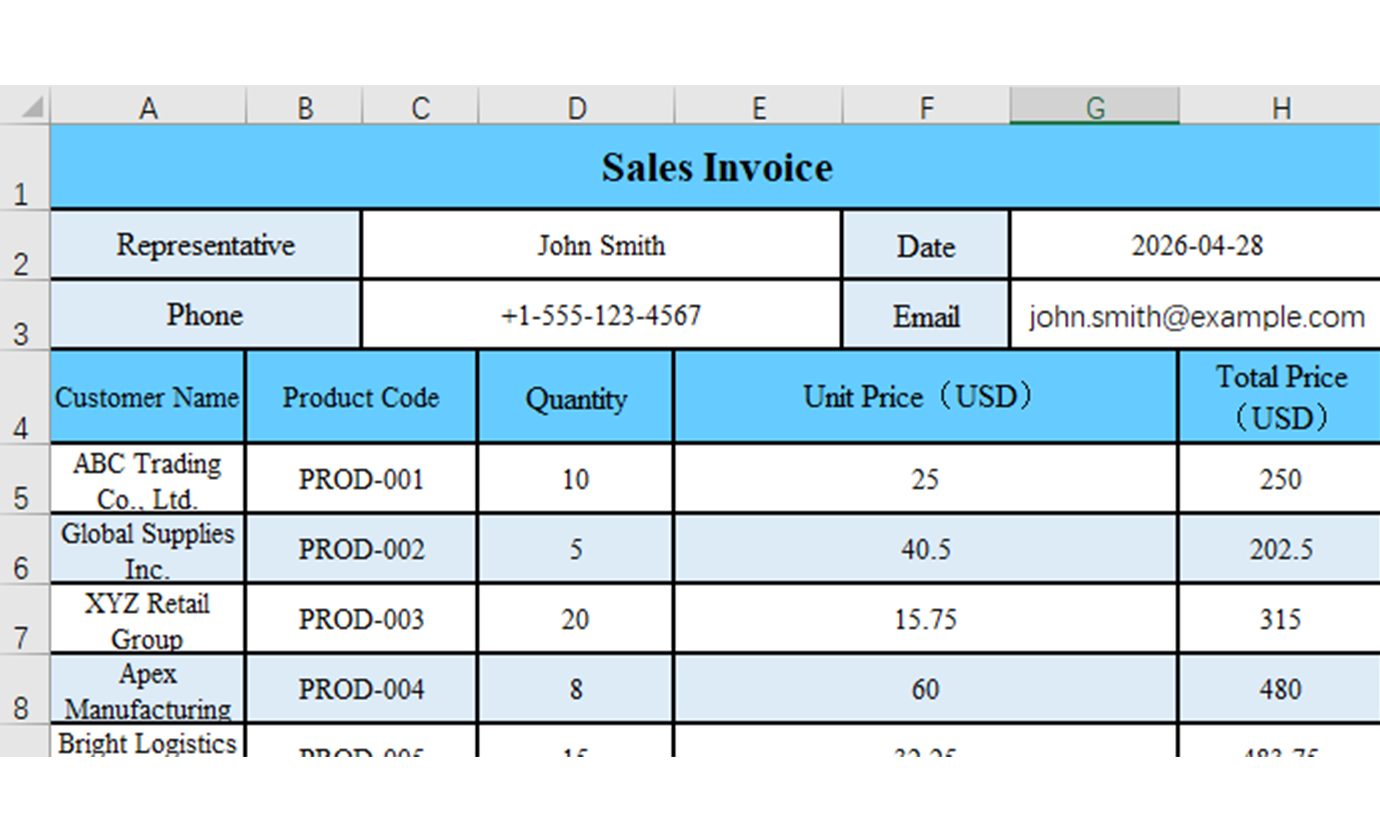
スマート数式
AI がテンプレート要件に基づいて適切な数式、計算、関数を自動的に追加します。
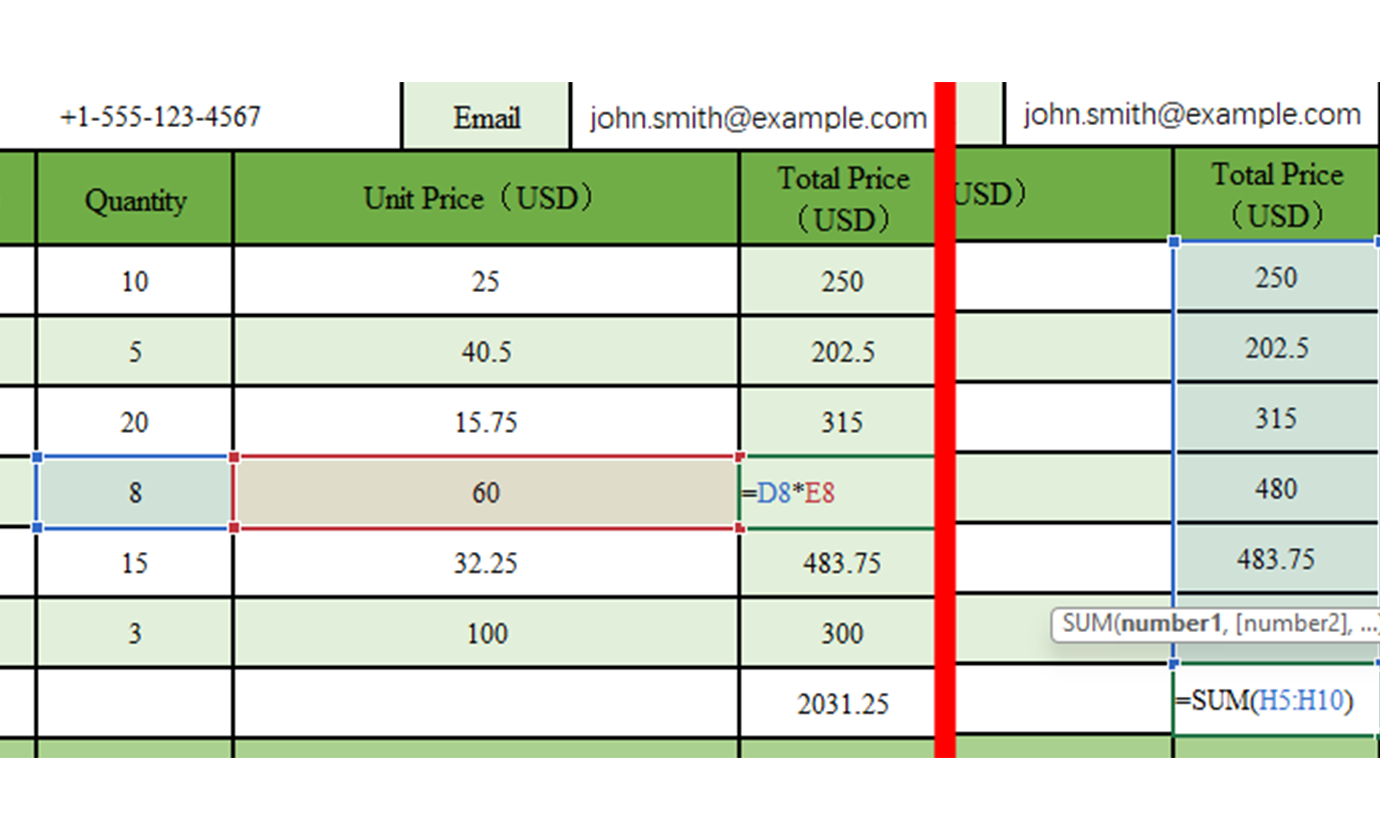
プロフェッショナルなフォーマット
テンプレートには、ビジネス基準とベストプラクティスに一致するプロフェッショナルなフォーマット、色、スタイリングが付属しています。
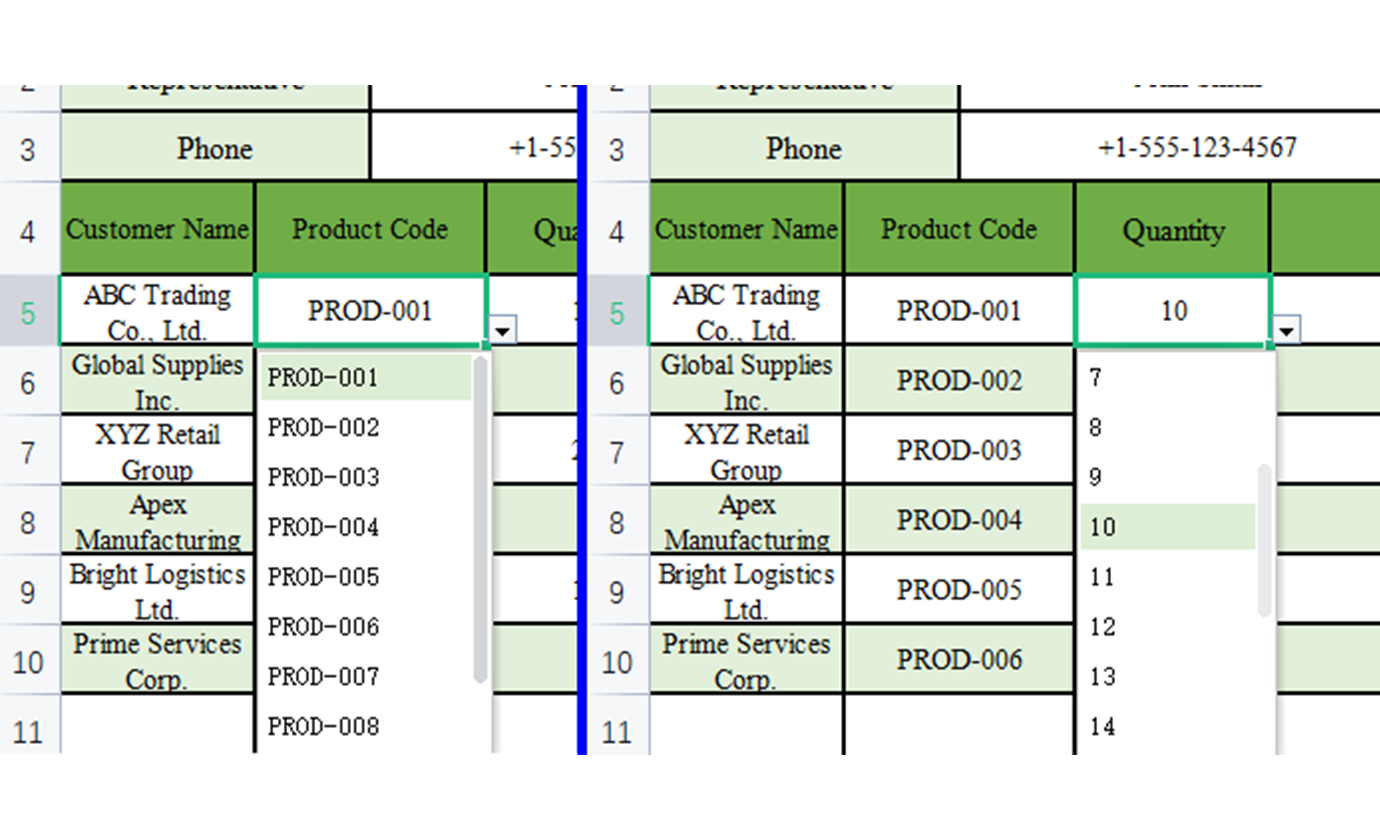
データ検証
データ品質と一貫性を確保するための組み込みデータ検証ルール、ドロップダウンリスト、入力制限。
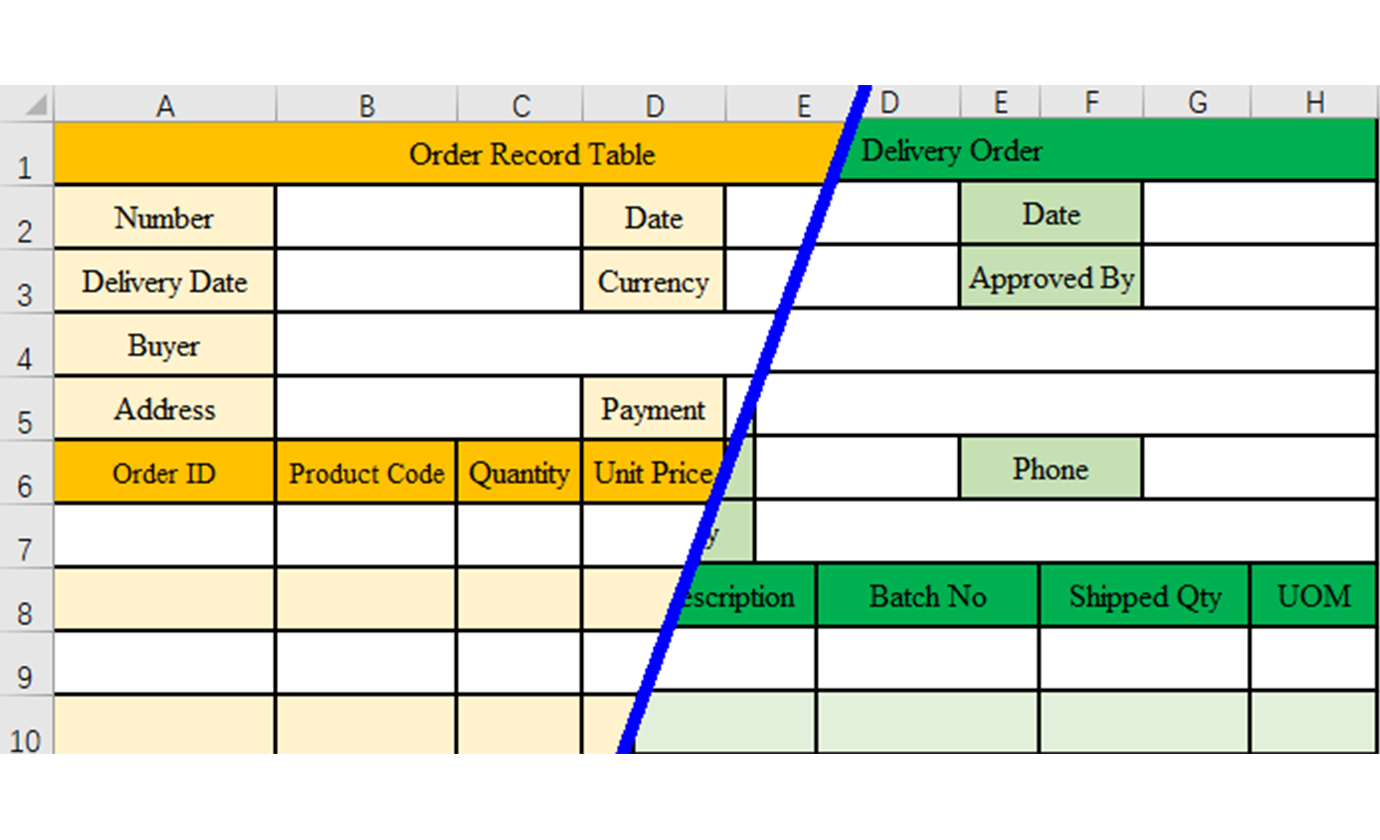
業界固有のテンプレート
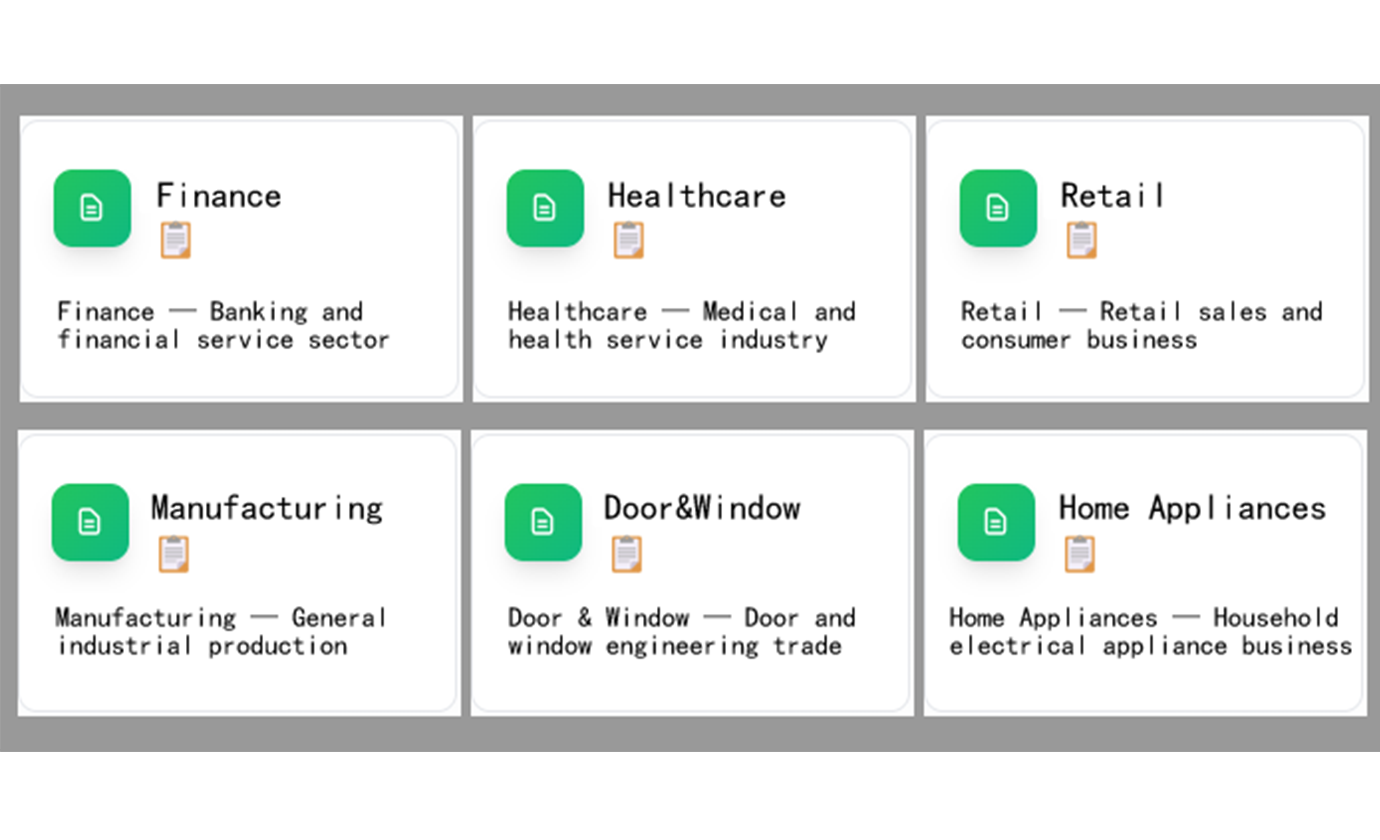
特定の業界に合わせたテンプレートを生成:金融、医療、小売、製造など。
カスタマイズ可能な構造
変更を説明することで生成されたテンプレートを簡単に変更:列を追加、数式を変更、フォーマットを調整。
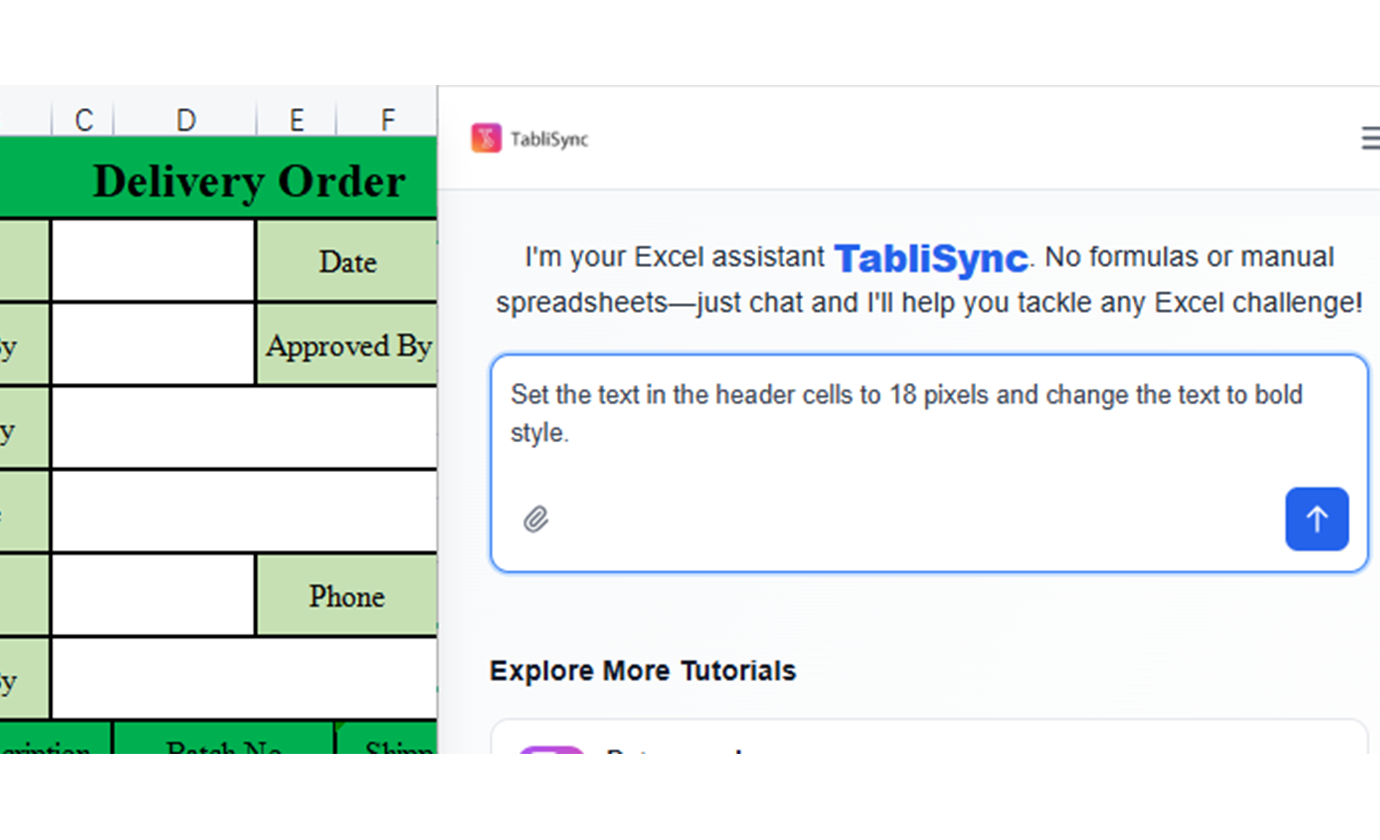
テンプレート生成
シンプルな説明を使用して、あらゆるビジネスニーズに対応するカスタム Excel テンプレートを作成:予算、請求書、プロジェクトトラッカー、在庫システム。
スマート数式
AI がテンプレート要件に基づいて適切な数式、計算、関数を自動的に追加します。
プロフェッショナルなフォーマット
テンプレートには、ビジネス基準とベストプラクティスに一致するプロフェッショナルなフォーマット、色、スタイリングが付属しています。
データ検証
データ品質と一貫性を確保するための組み込みデータ検証ルール、ドロップダウンリスト、入力制限。
業界固有のテンプレート
特定の業界に合わせたテンプレートを生成:金融、医療、小売、製造など。
カスタマイズ可能な構造
変更を説明することで生成されたテンプレートを簡単に変更:列を追加、数式を変更、フォーマットを調整。
一から始める必要なし
空白のスプレッドシートの不安をスキップします。初日から数式、フォーマット、機能が組み込まれたプロフェッショナルなテンプレートを取得します。
プロフェッショナルな品質
すべてのテンプレートは、クライアントを感動させる適切なフォーマット、データ検証、ビジネスグレードの機能でベストプラクティスに従います。
即座のカスタマイズ
変更が必要ですか?変更したいものを説明するだけです。AI は数秒で正確な要件にテンプレートを適応させます。
Before / After:TabliSyncによる変化
手作業のフローと自動化を比較し、時間短縮とミス削減を確認できます。
従来のやり方
従来のやり方
- 手作業が多く時間がかかる
- 担当者ごとに運用がばらつく
- 入力ミスや抜け漏れが起きやすい
- 更新や保守で手戻りが発生する
- 業務拡大時にスケールしにくい
TabliSync を使う場合
スマートなやり方
- AI が繰り返し作業を自動化
- 運用を標準化し結果が安定
- 人的ミスと手戻りを削減
- 変更をすばやく反映可能
- 大規模運用にも対応しやすい
実際の成果:成功事例
TabliSyncで毎週時間を節約しているチームや専門家の声をご紹介します。
"テンプレート作成は1時間かかっていましたが、今は2分です。"

Patricia Johnson
人事マネージャー
"チーム全体で一貫したプロ品質のテンプレートを使えるようになりました。"

Christopher Lee
オペレーションリード
"Excel上級者でなくても複雑な管理シートを作成できます。"

Michelle Garcia
プロジェクトコーディネーター
機能別テンプレート活用
各部門の反復業務向けに構造化テンプレートを生成。
中小企業
スペシャリストを雇わずに、運用、財務、管理のための必須ビジネステンプレートを作成します。
請求書と請求テンプレート
経費追跡システム
顧客データベーステンプレート
プロジェクトマネージャー
タスク、リソース、タイムライン、成果物を追跡するためのプロジェクト管理テンプレートを生成します。
プロジェクトタイムライントラッカー
リソース配分シート
タスク管理システム
教育者
成績追跡、レッスン計画、学生管理のための教育テンプレートを作成します。
成績表テンプレート
レッスンプランオーガナイザー
学生進捗トラッカー
フリーランサー
クライアント管理、時間追跡、財務計画のためのプロフェッショナルなテンプレートを構築します。
時間追跡シート
クライアントプロジェクトテンプレート
フリーランス収入トラッカー
よくある質問
この機能の使い方や期待できる結果、連携方法などのよくある質問にお答えします。
テキストプロンプトから Excel テンプレートを生成するには?
表の用途、必要フィールド、検証ルールを記述してください。TabliSync が構造化表テンプレートを生成し、使用前に確認・調整できます。
財務、HR、オペレーションなど部門別テンプレートを生成できますか?
はい。事前定義フィールドと計算ロジックを含む、各職能向けテンプレートを生成し、チームワークフローに合わせられます。
チーム間でシート形式を標準化する最速の方法は?
再利用可能なプロンプトパターンと共有テンプレート定義を使用し、各チームが同じ構造・書式ベースラインから始められるようにします。
生成テンプレートに数式とデータ検証制約を含められますか?
はい。計算フィールド、必須フィールド、入力制約を追加し、下流のデータ品質問題を減らせます。
既存テンプレートを最初から再構築せず更新できますか?
はい。既存構造を提供し、フィールド・ルール・セクション単位の段階的変更を依頼してください。生成器はコアロジックを維持しながらレイアウトを修正します。
TabliSync は機密テンプレートと計画データをどのように安全に保証しますか?
テンプレート生成リクエストは暗号化チャネルで処理され、workspace に紐づくアクセス制御が適用されます。生成構造を閲覧できるユーザーを管理できます。
TabliSync が単なるコンバーター以上である理由
クロスプラットフォームデータ管理、コラボレーション、自動化のための AI 搭載ツールの完全なエコシステムでデータワークフローを変革します。
クロスプラットフォーム同期
変換されたデータは Google Sheets、Notion、Airtable、その他のプラットフォーム間で自動的に同期されます。手動でのインポートやエクスポートは不要です。
リアルタイムコラボレーション
抽出されたデータを即座に共有してコラボレーションします。チームメンバーは異なるプラットフォーム間でデータにアクセス、編集、分析できます。
自動更新
自動データ更新スケジュールを設定します。スプレッドシートは手動介入なしに最新の状態を保ち、何時間もの反復作業を節約します。
完全なデータエコシステムに参加
統合された AI ツールスイートでデータの可能性を最大限に引き出す
データワークフローを変革する準備はできましたか?
データニーズに TabliSync を信頼する何千ものプロフェッショナルに参加しましょう
クレジットカード不要 • 毎日データを同期する10,000+ユーザーに参加