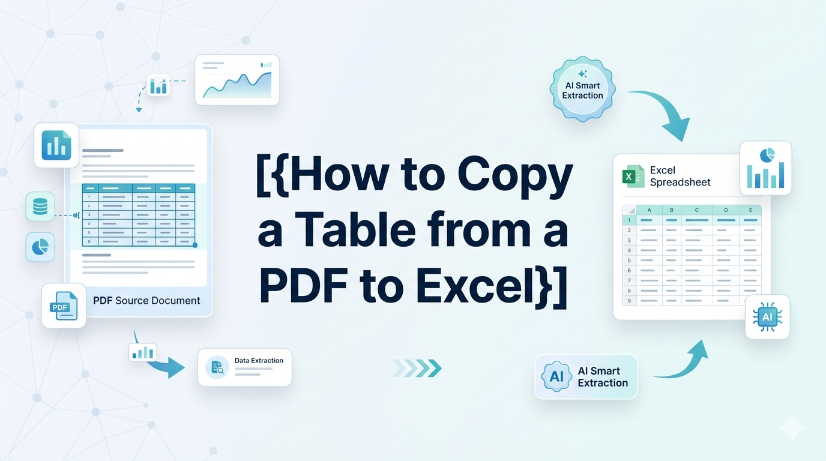
How to copy a table from a PDF to Excel: Native Options and AI OCR Workflow
In today's fast-paced business environment, efficiently transferring data from PDFs to Excel is crucial for productivity. Many users face challenges when attempting to copy tables from PDFs due to the cumbersome nature of manual data entry and the limitations of basic OCR tools. This article provides a comprehensive guide on how to effectively copy tables from PDFs into Excel. It covers both native options for those who prefer manual methods, as well as innovative AI OCR solutions like TabliSync that can significantly enhance the efficiency of this process. By following the step-by-step instructions, users will learn how to easily extract data from various types of PDF documents, ensuring a seamless transition to structured Excel formats. Whether you're an accountant, a data entry professional, or someone who frequently deals with financial documents, this guide will equip you with the knowledge to streamline your data extraction tasks.



_20260527094715A097.png)